


01
Upload one product image.
Create product images, listing visuals, and campaign creative in one workflow.
Upload a product image to create white-background photos, listing images, studio scenes, lifestyle visuals, and campaign creative.

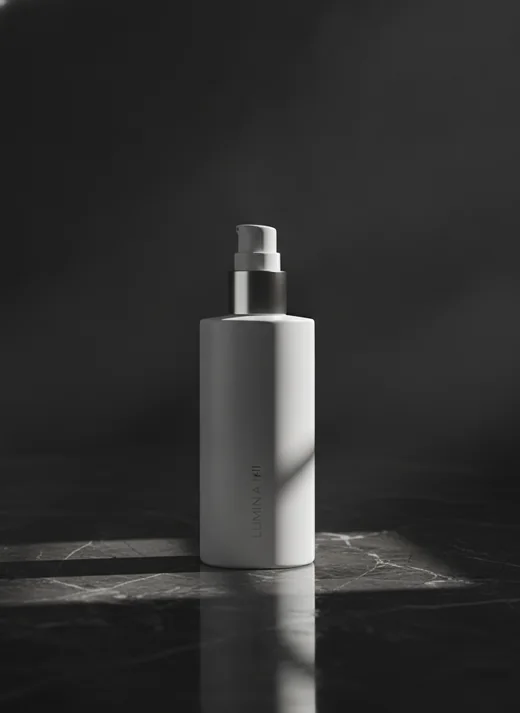
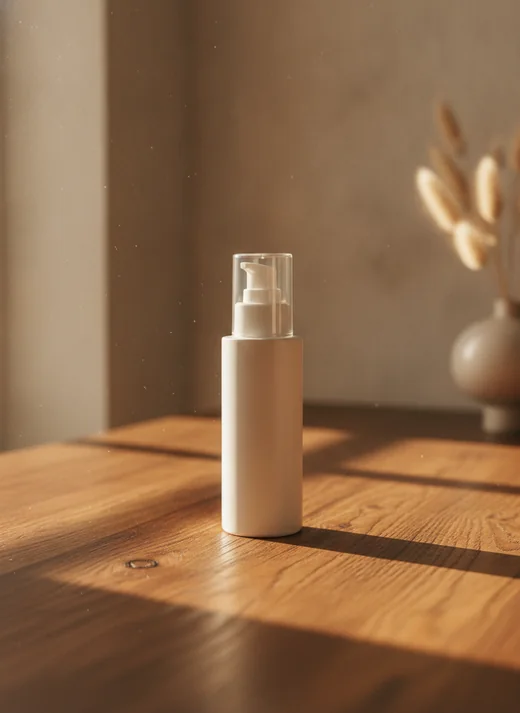
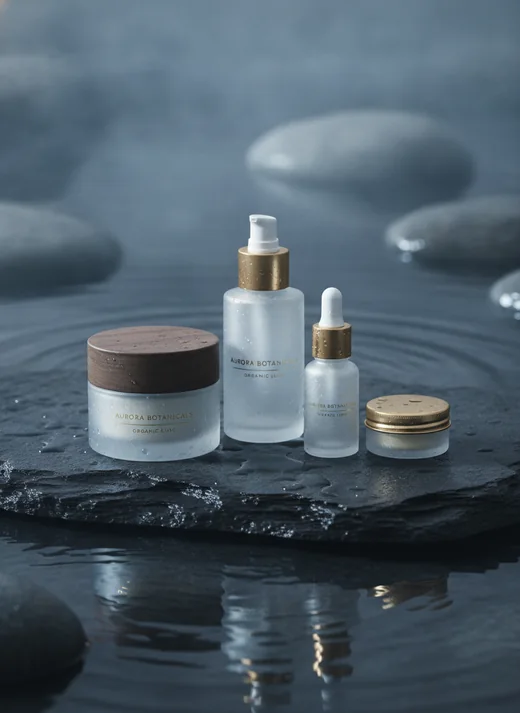
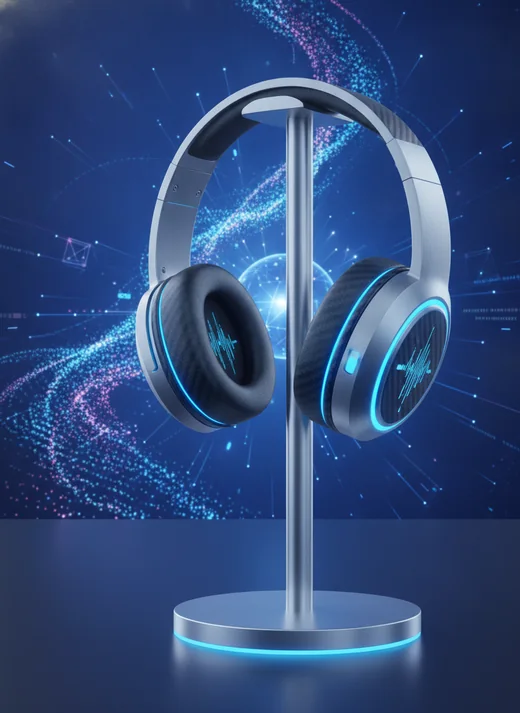

 Google
 ChatGPT
 Gemini
 Stripe
 Cloudflare
 Shopify
 AmazonGoogleChatGPT
ProductShot tools
Explore tools for listing images, white-background photos, background edits, lifestyle scenes, and marketing creative in one ProductShot AI workflow.
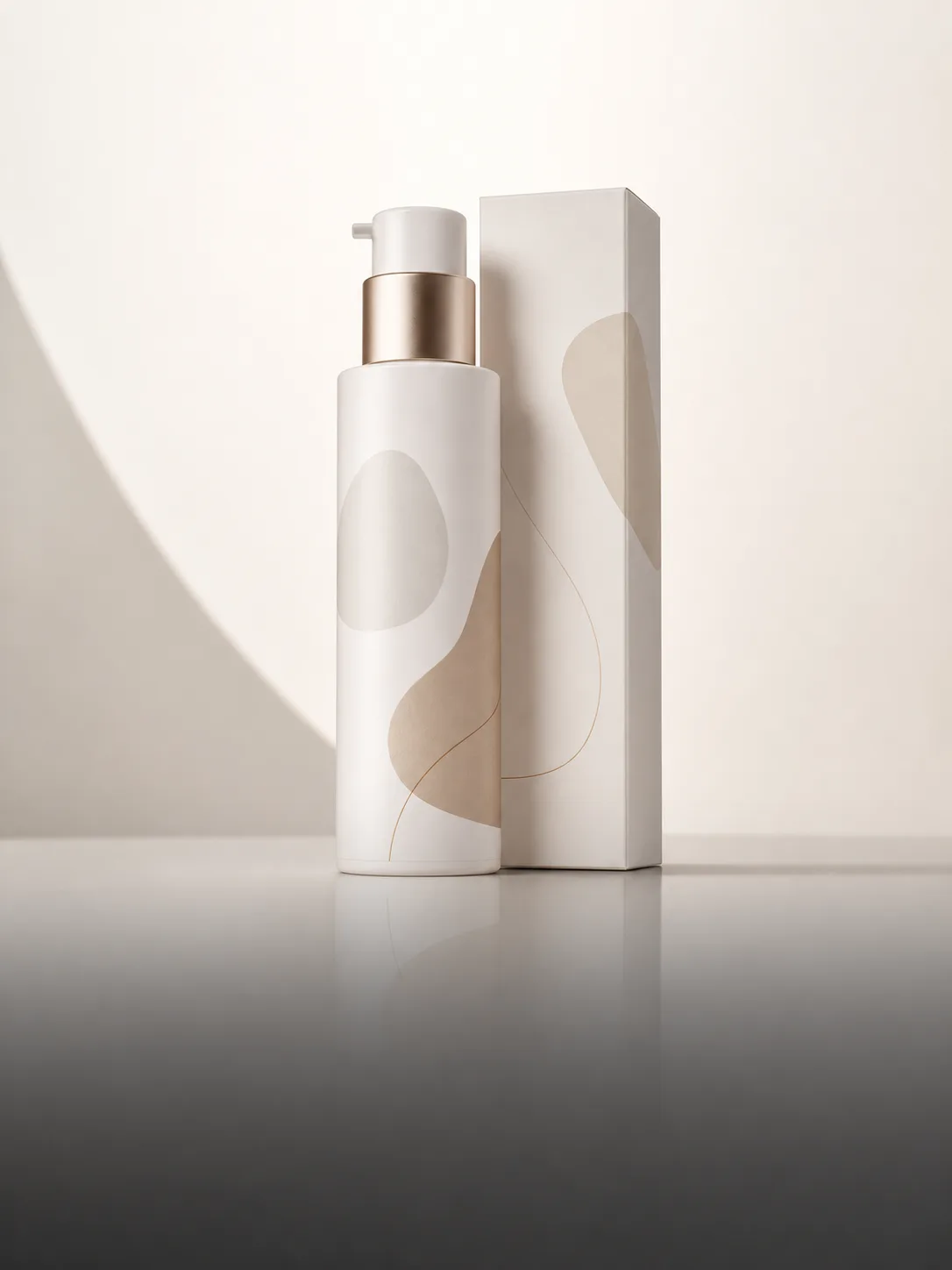
Listing Images
AI Product Image GeneratorCreate clean listing images from a product upload.
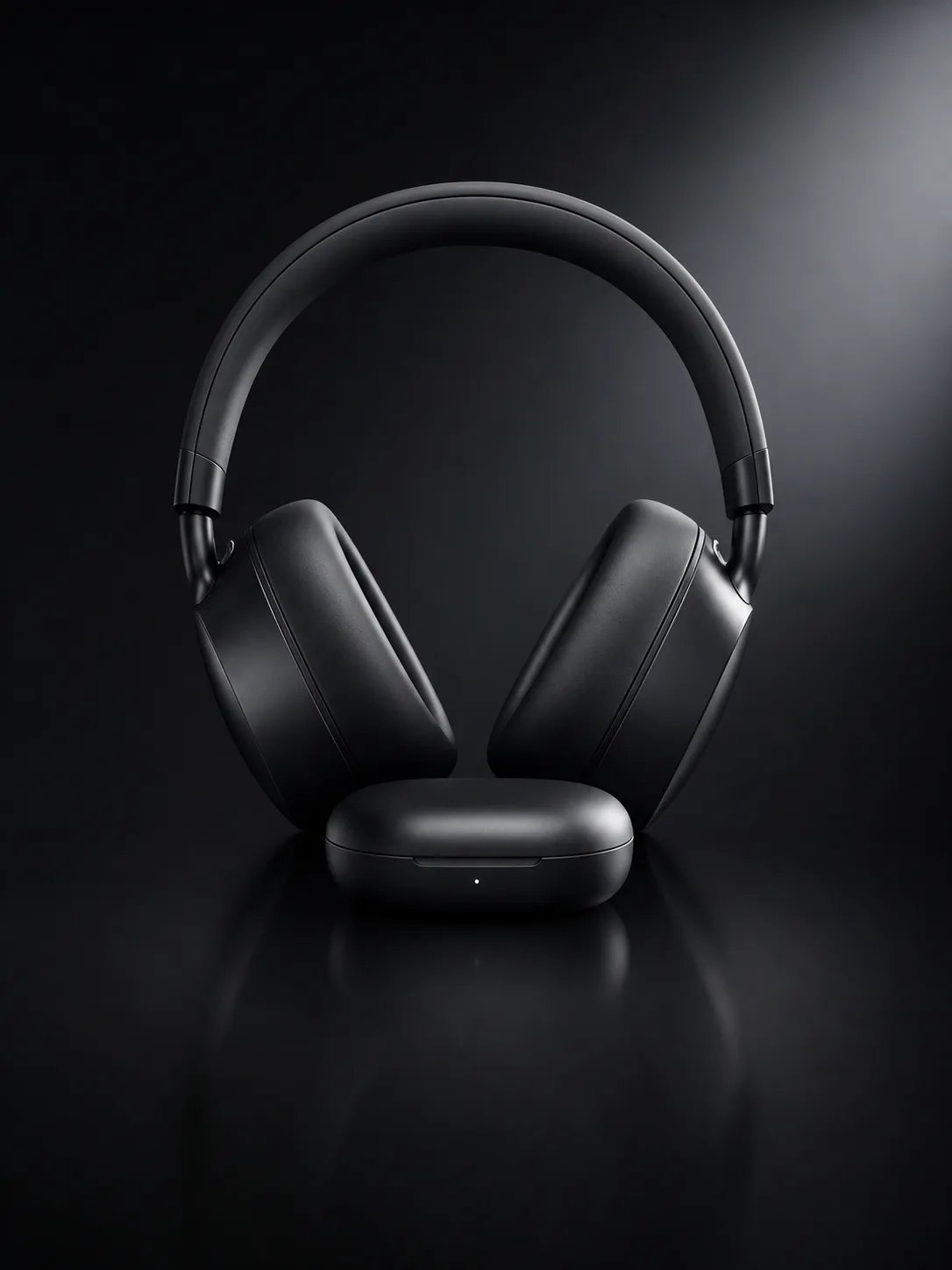
Studio Photos
AI Product Photo GeneratorCreate studio-style product photos without a physical shoot.
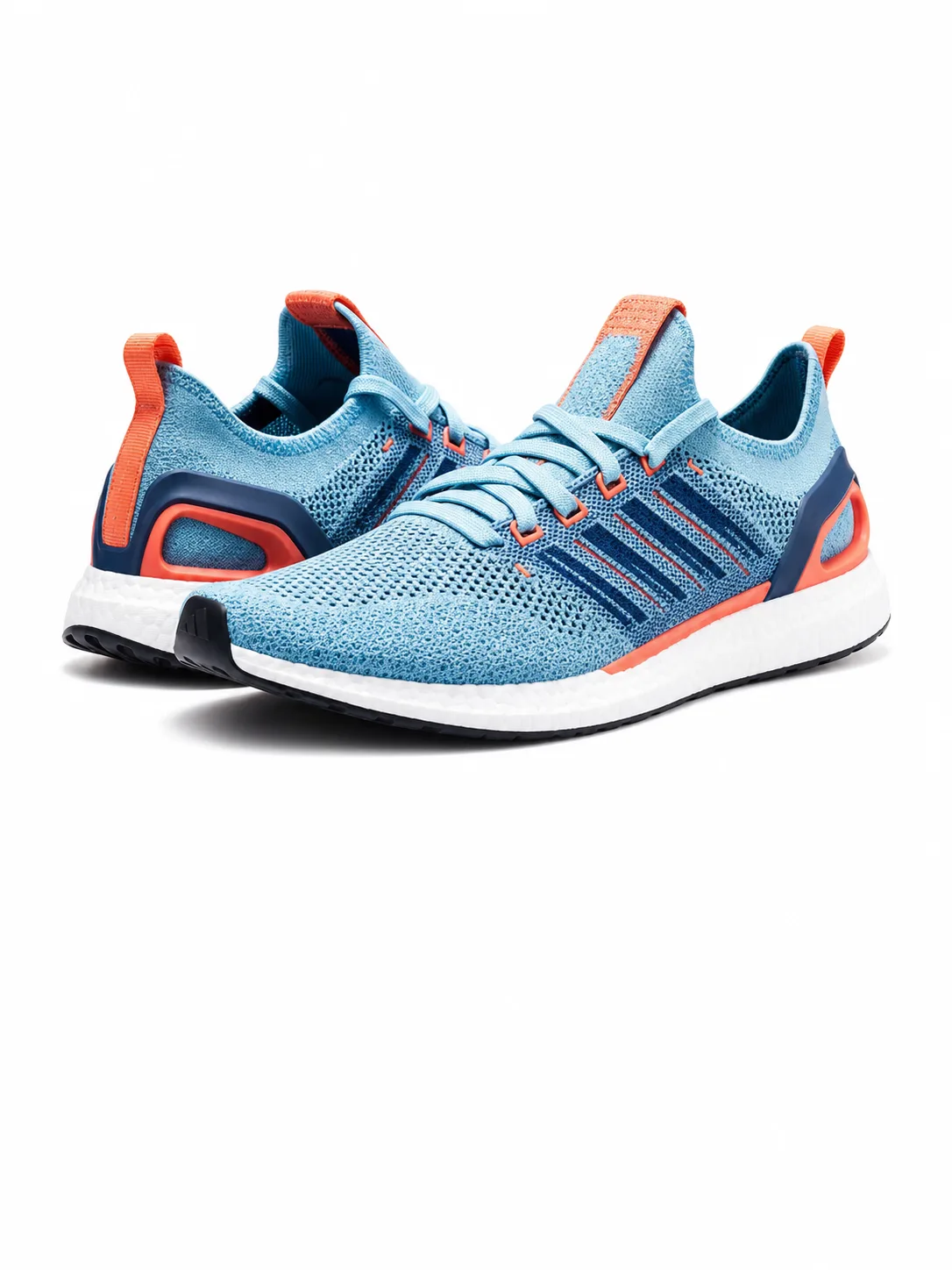
White Background
AI White Background GeneratorCreate clean white-background product images while keeping key details intact.
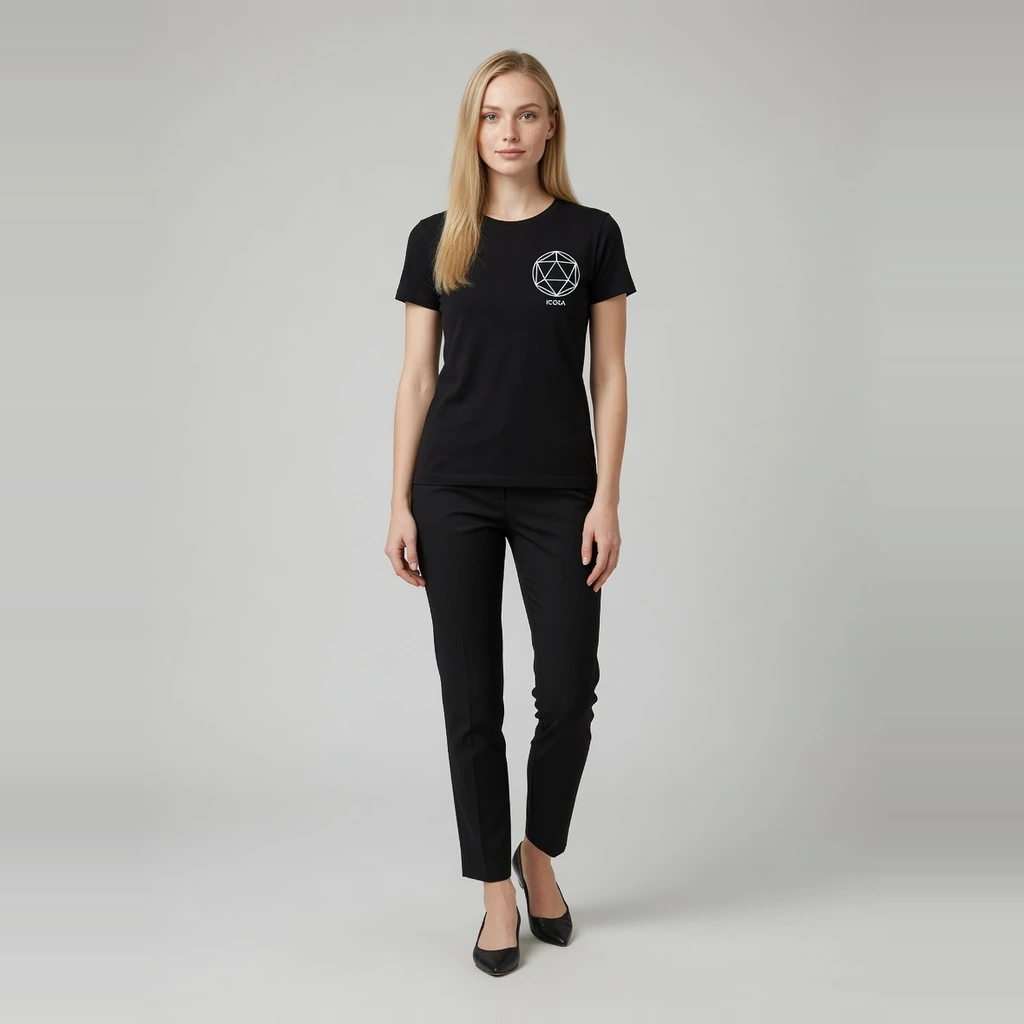
Fashion Model
AI Fashion Model GeneratorTurn flat-lay or hanger garment photos into ecommerce on-model images with preset models.
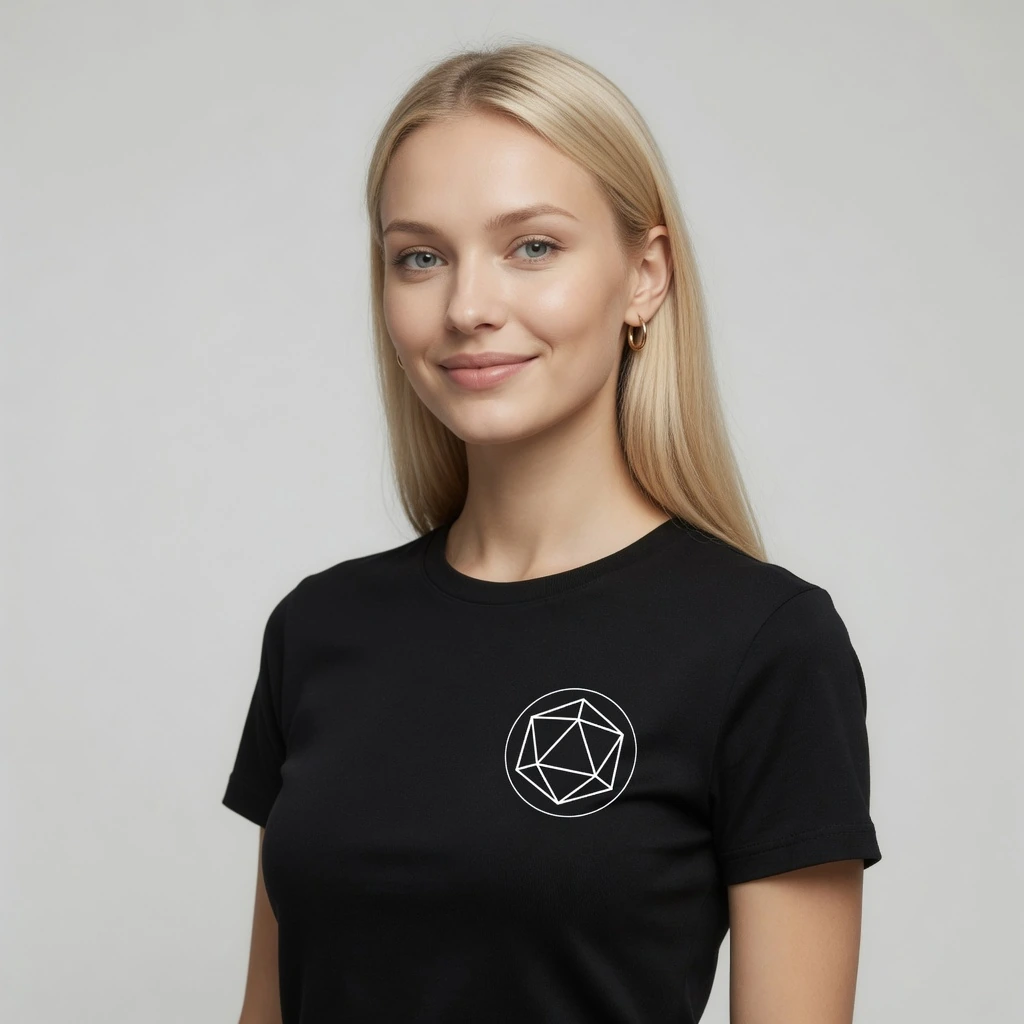
Virtual Try-On
AI Virtual Try-OnCreate try-on effect images from a garment and person photo for product pages and campaigns.
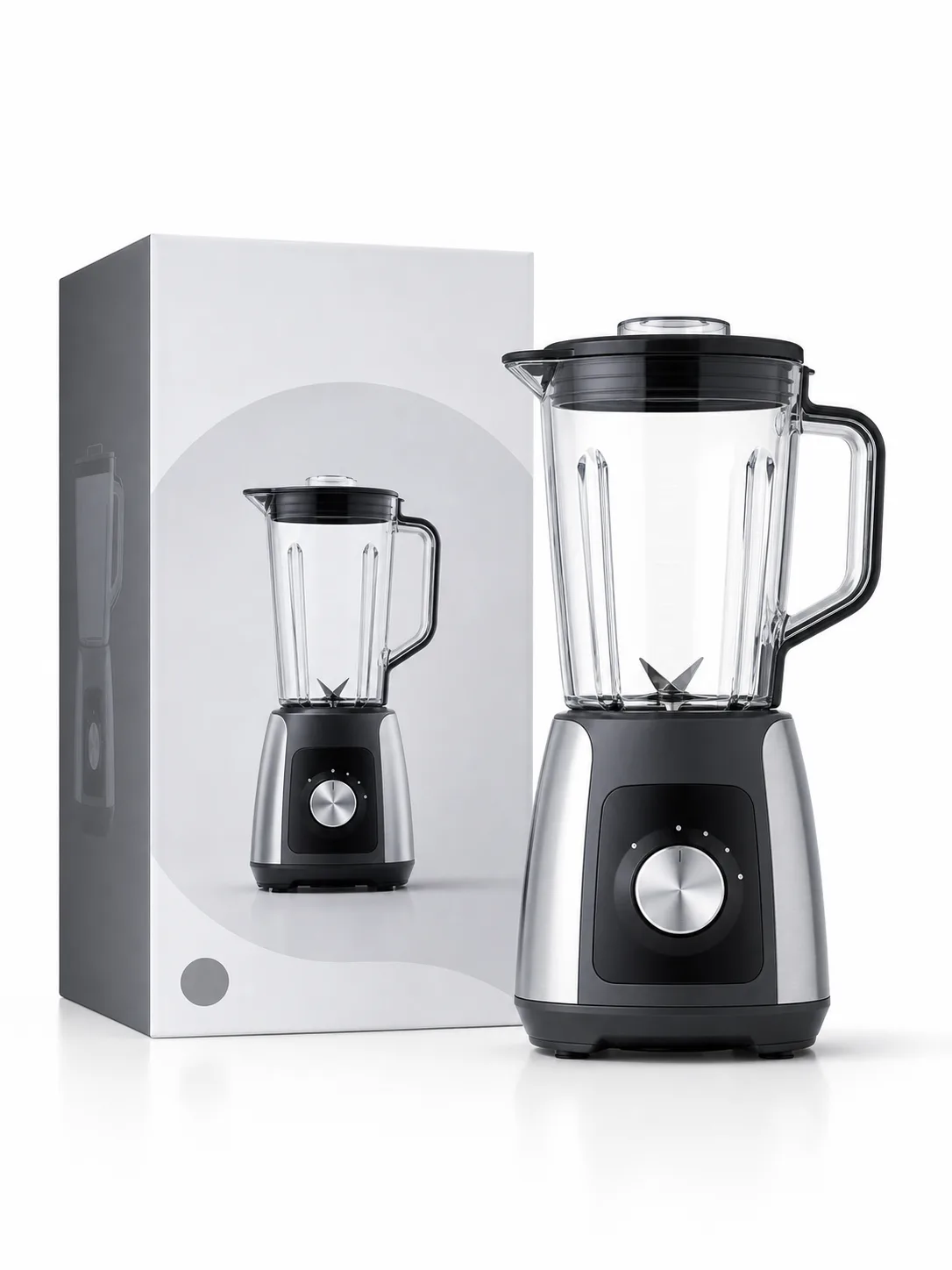
Marketplace Images
AI Marketplace Listing Image GeneratorCreate clean, centered listing images for marketplaces.
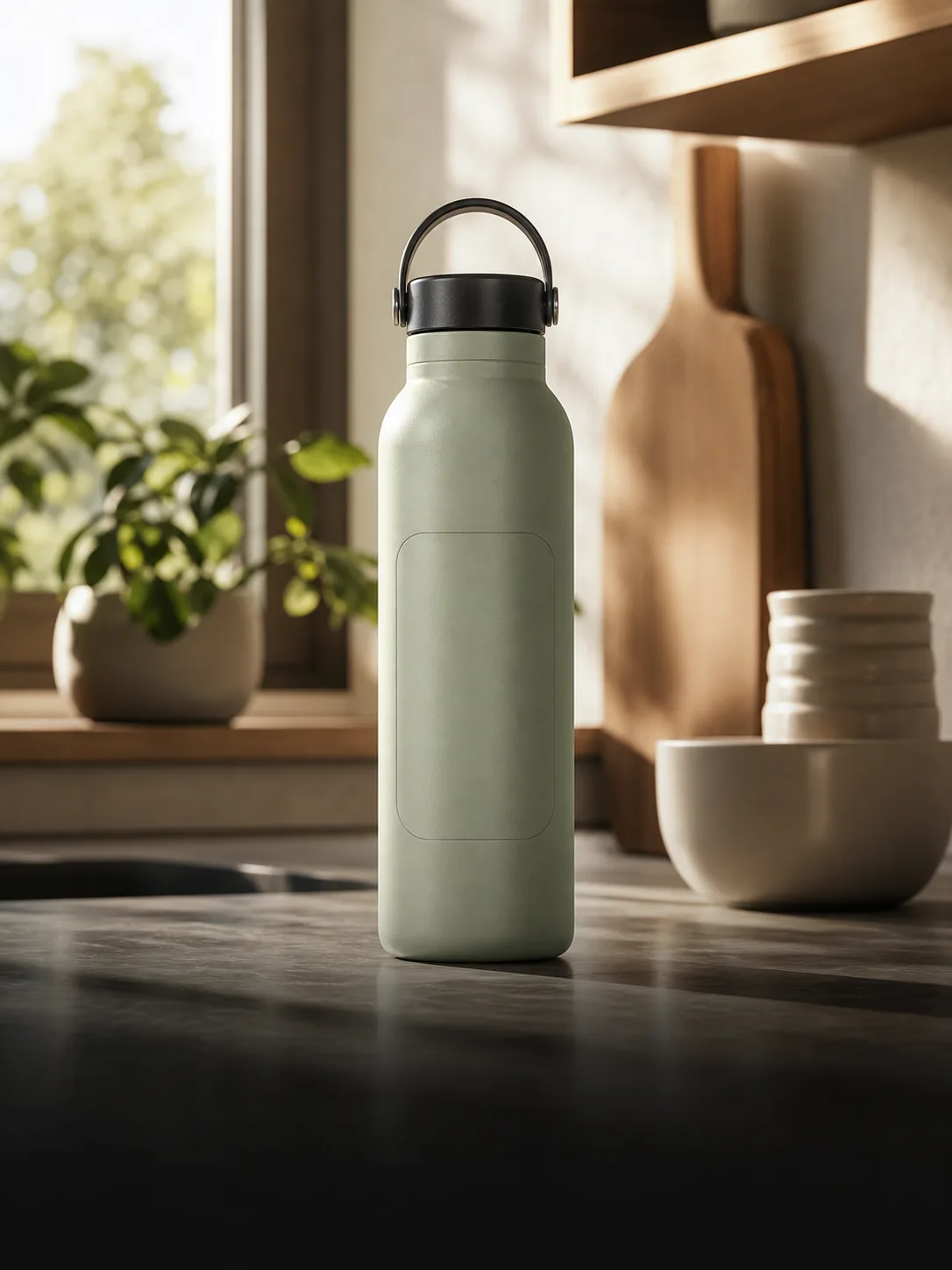
Lifestyle Scenes
Lifestyle Product Photo GeneratorPlace products in realistic scenes for storefronts and campaigns.
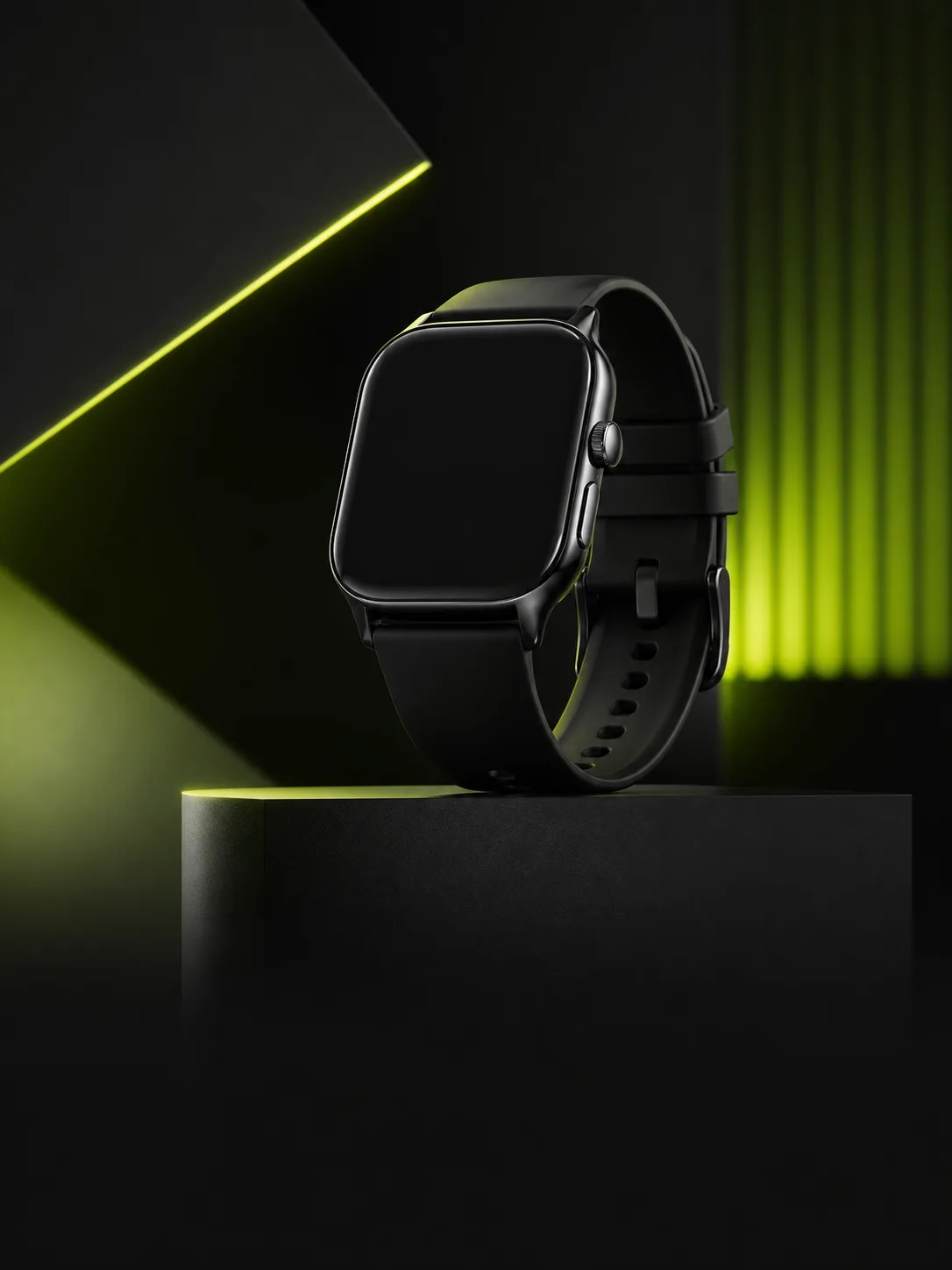
Ad Creative
AI Marketing Image GeneratorCreate product-led visuals for launches, banners, and paid social.
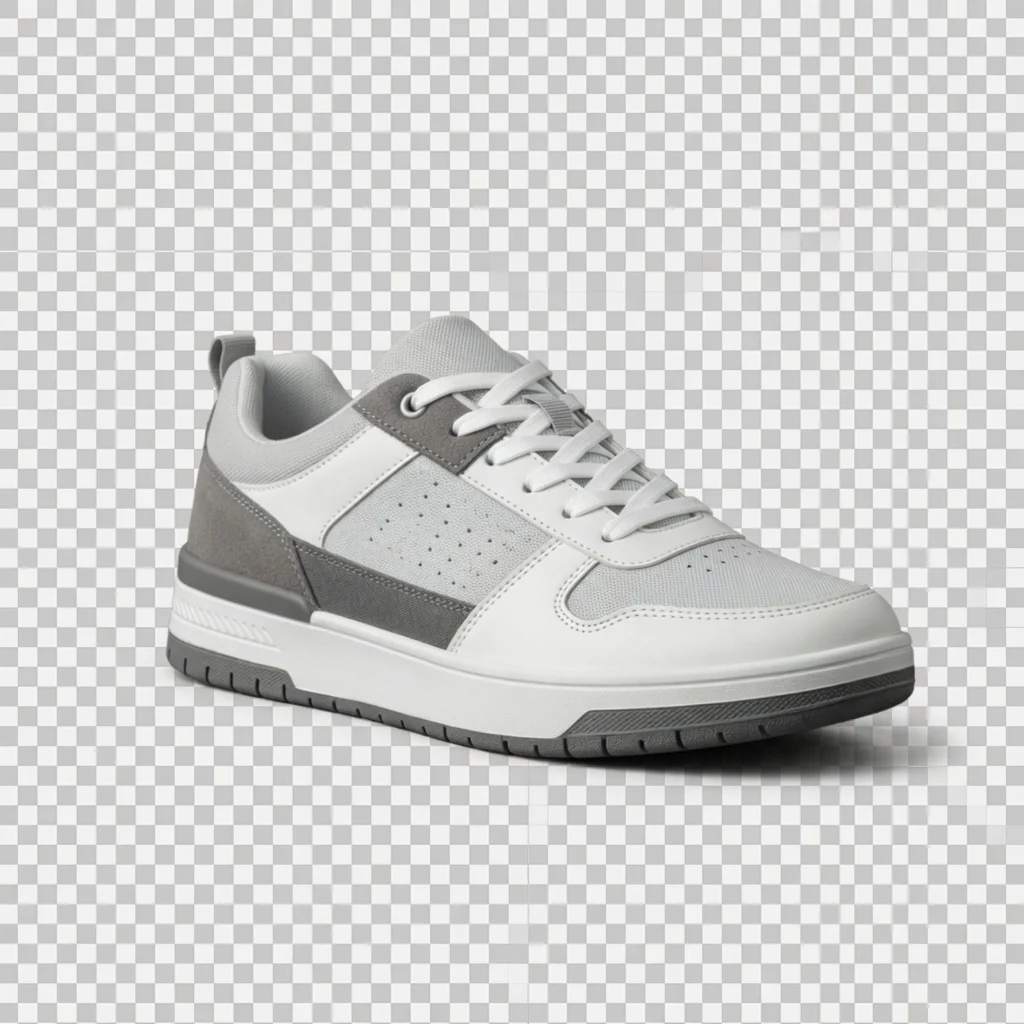
Background Cutout
Product Background RemoverRemove product backgrounds and download a transparent cutout PNG for free.
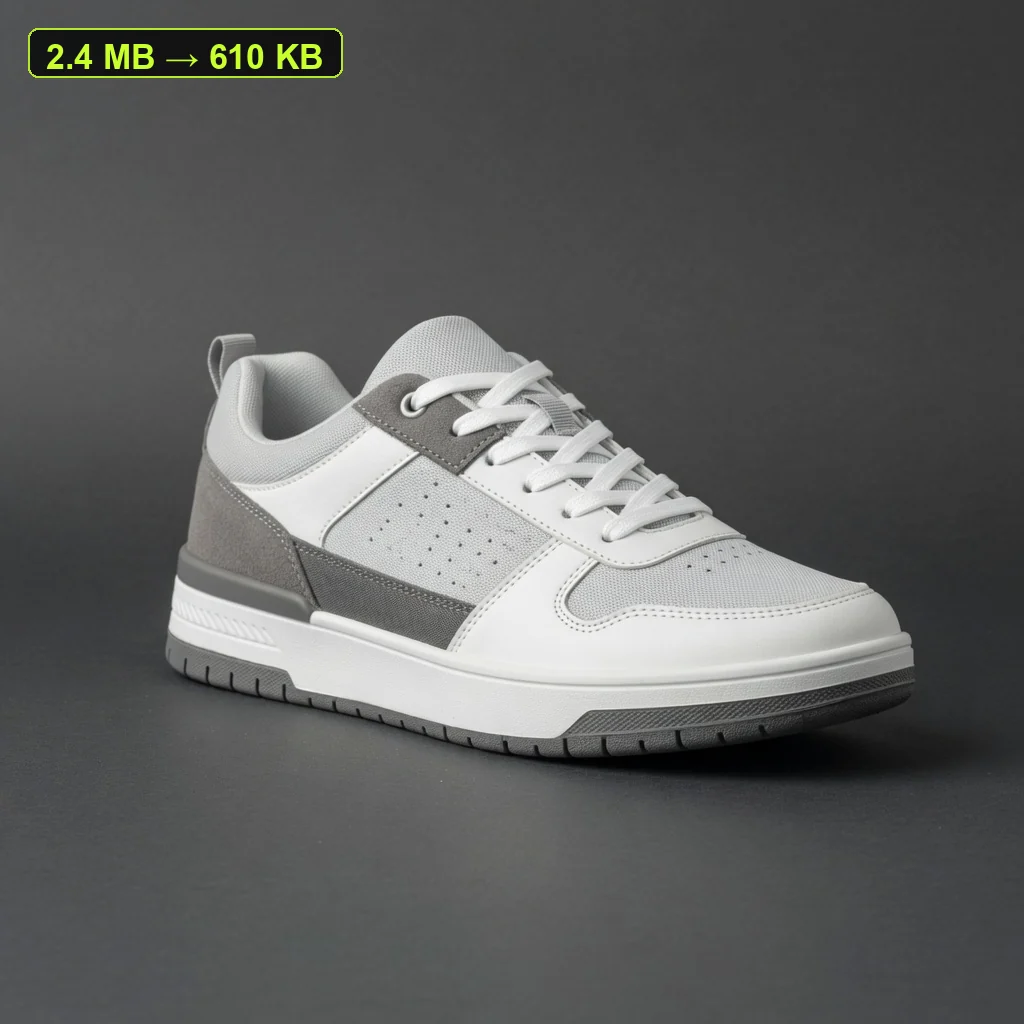
File Size Tool
Product Image CompressorCompress listing images and campaign assets in your browser, then download a lighter file.
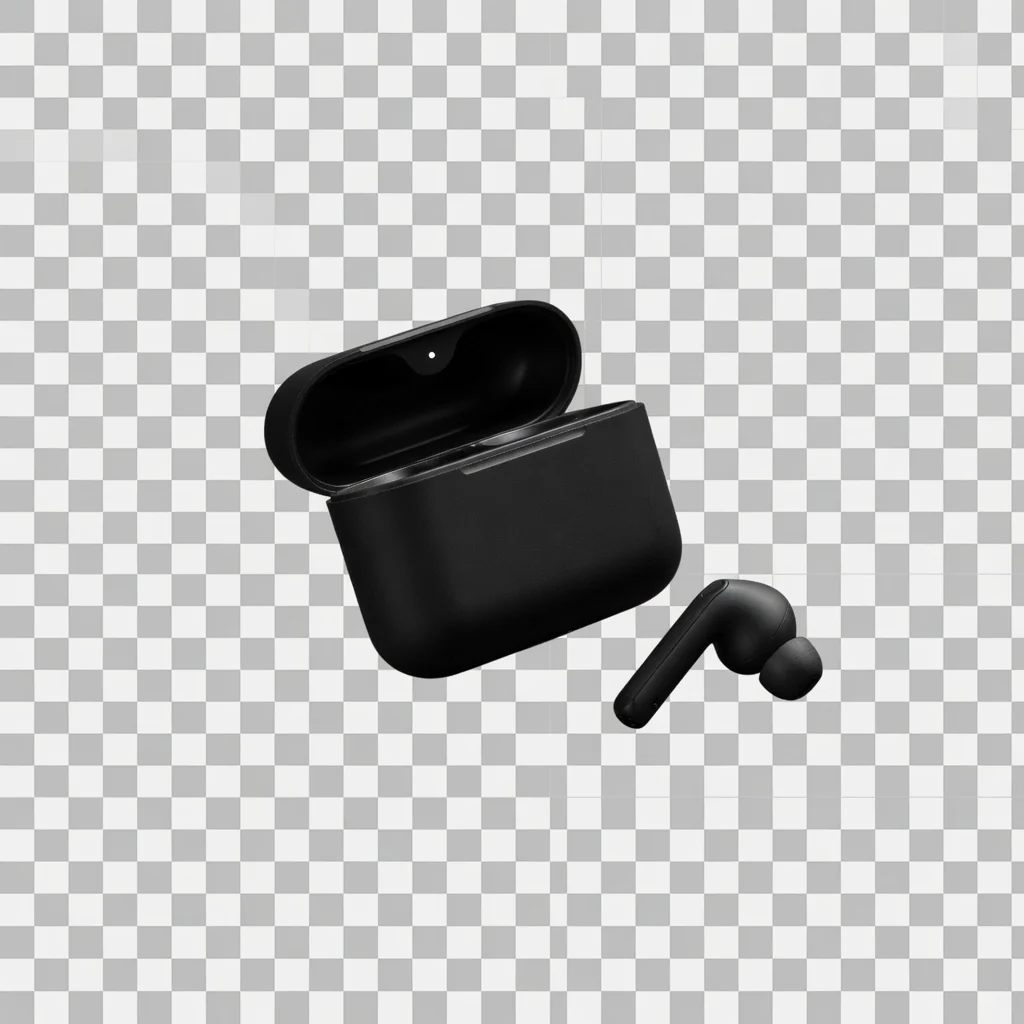
Transparent PNG
Transparent Product PNGExport a reusable transparent product PNG for layouts, modules, and design tools.
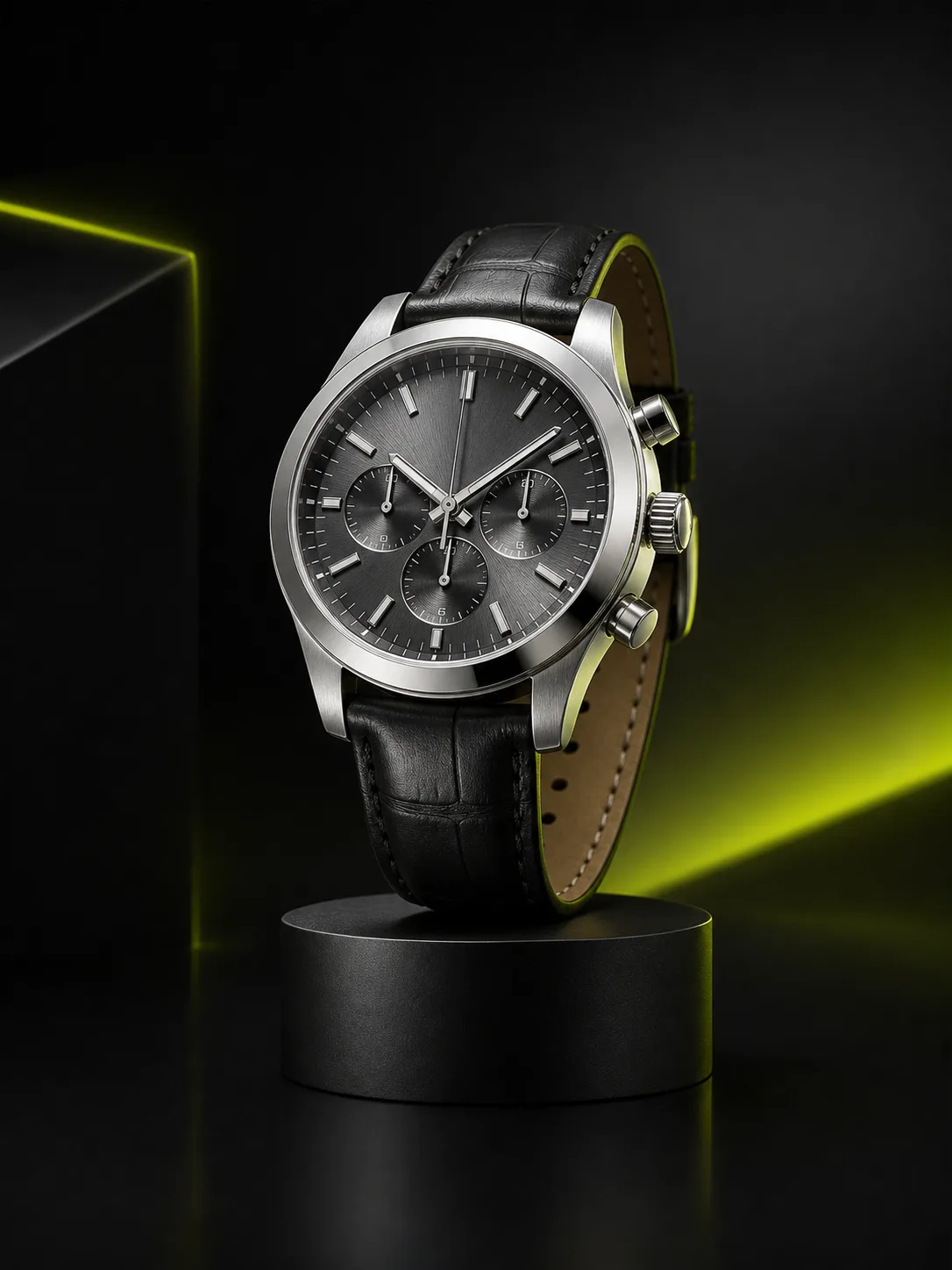
Clarity Tool
Product Image EnhancerImprove product image, banner, and poster clarity for free, then download a PNG.
Direct answer
ProductShot AI is a browser-based AI product photography workspace for ecommerce sellers, marketers, and small teams. It turns uploaded product images into cleaner marketplace photos, white-background shots, studio images, lifestyle scenes, and campaign visuals while keeping product details such as shape, color, packaging, labels, and logos more consistent.
Upload one product image.
Add optional reference images for visual direction.
Choose Product Lock, scene, lighting, angle, ratio, and platform preset.
Generate, compare, download, share, or keep the output in history.
ProductShot intelligence
ProductShot AI helps keep product details consistent while you change backgrounds, build scenes, use references, and reuse strong outputs.
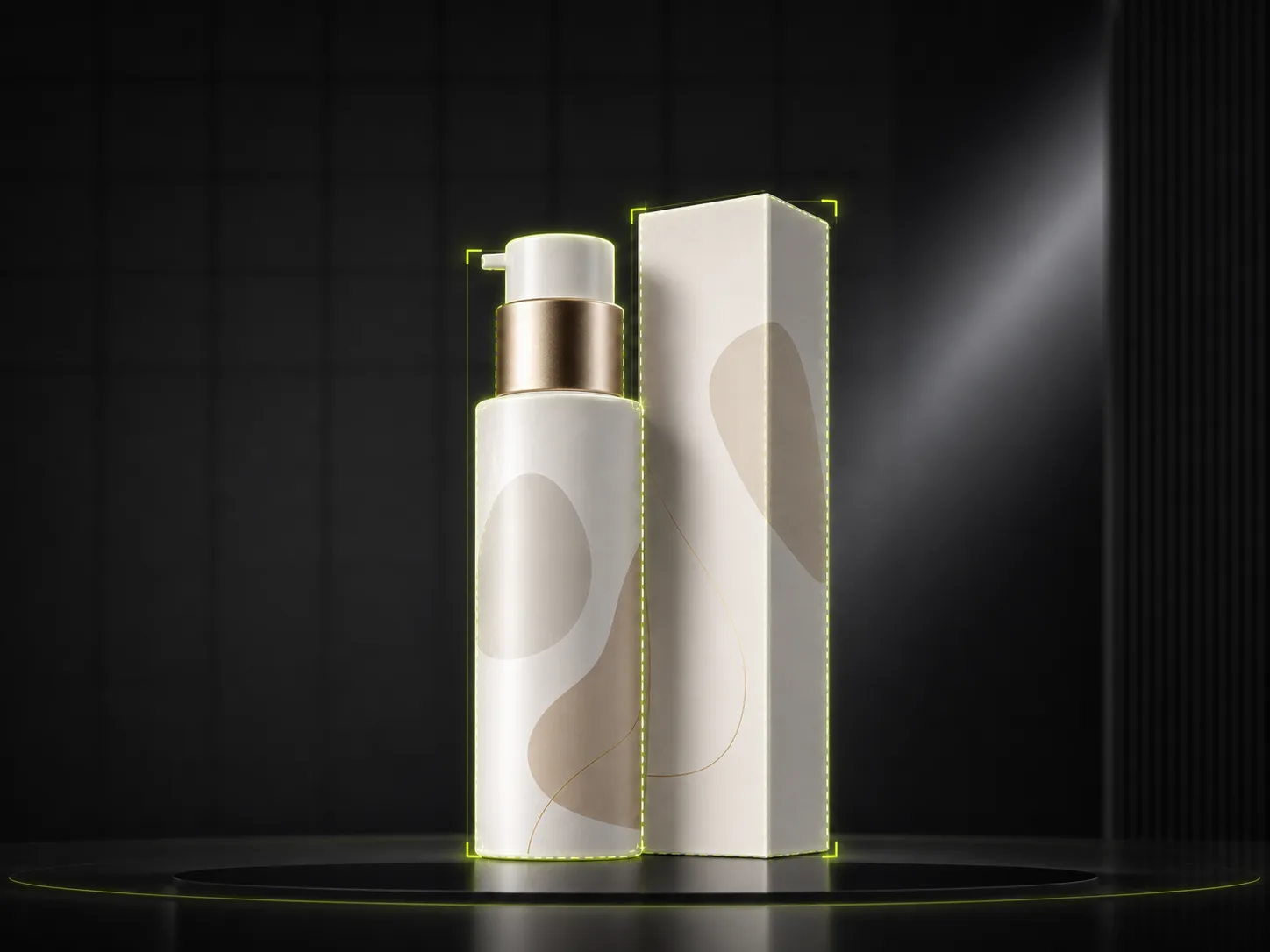
Keep shape, color, materials, packaging, logo placement, and label details more consistent while changing backgrounds or scenes. Each generated product photo still feels like the same item across listing images, studio photos, and campaign assets.
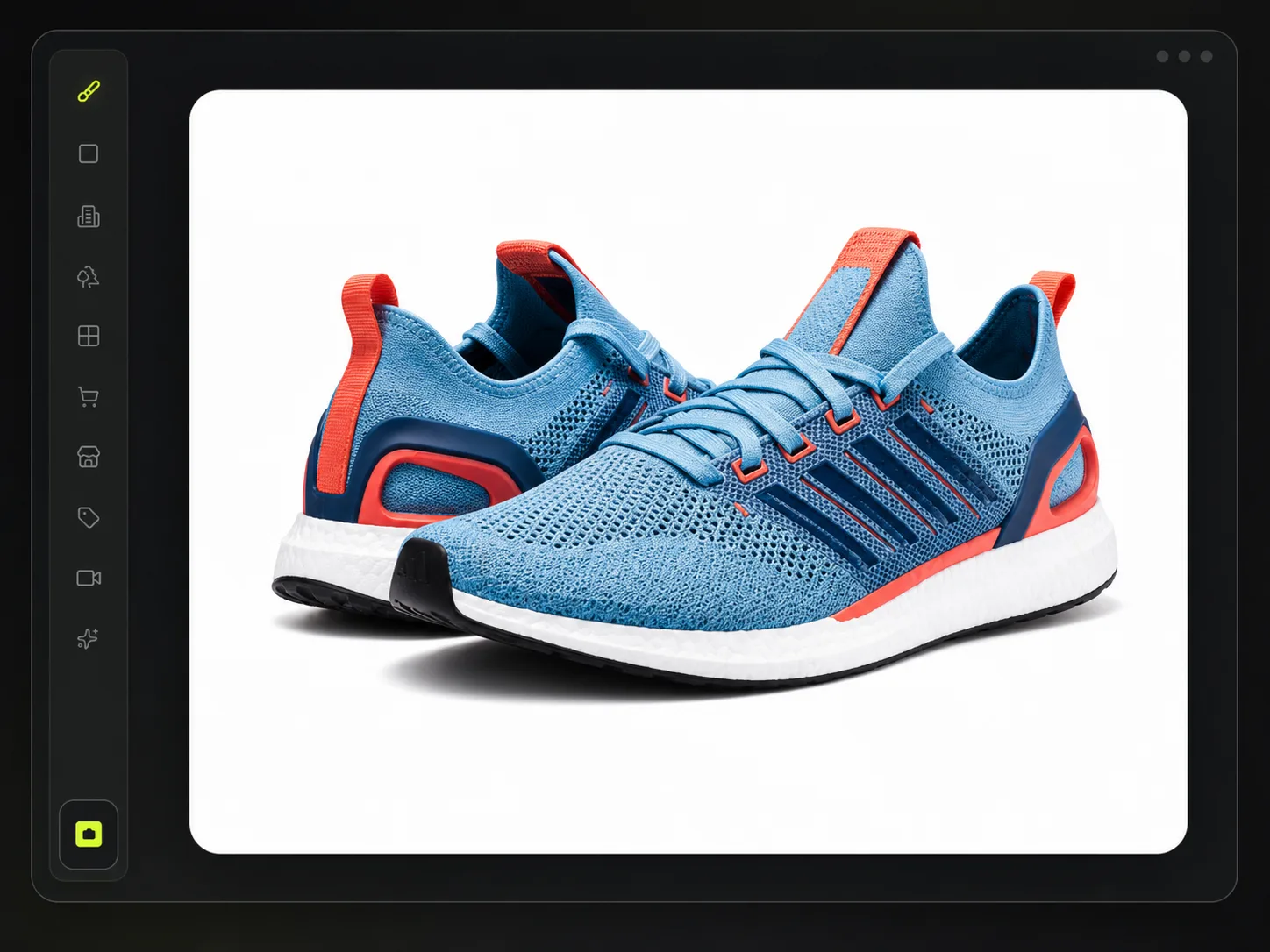
Create white or light-neutral listing backgrounds for marketplaces and storefronts that need a clean catalog look. ProductShot AI helps reduce visual clutter and prepare cleaner ecommerce product images from one product upload.
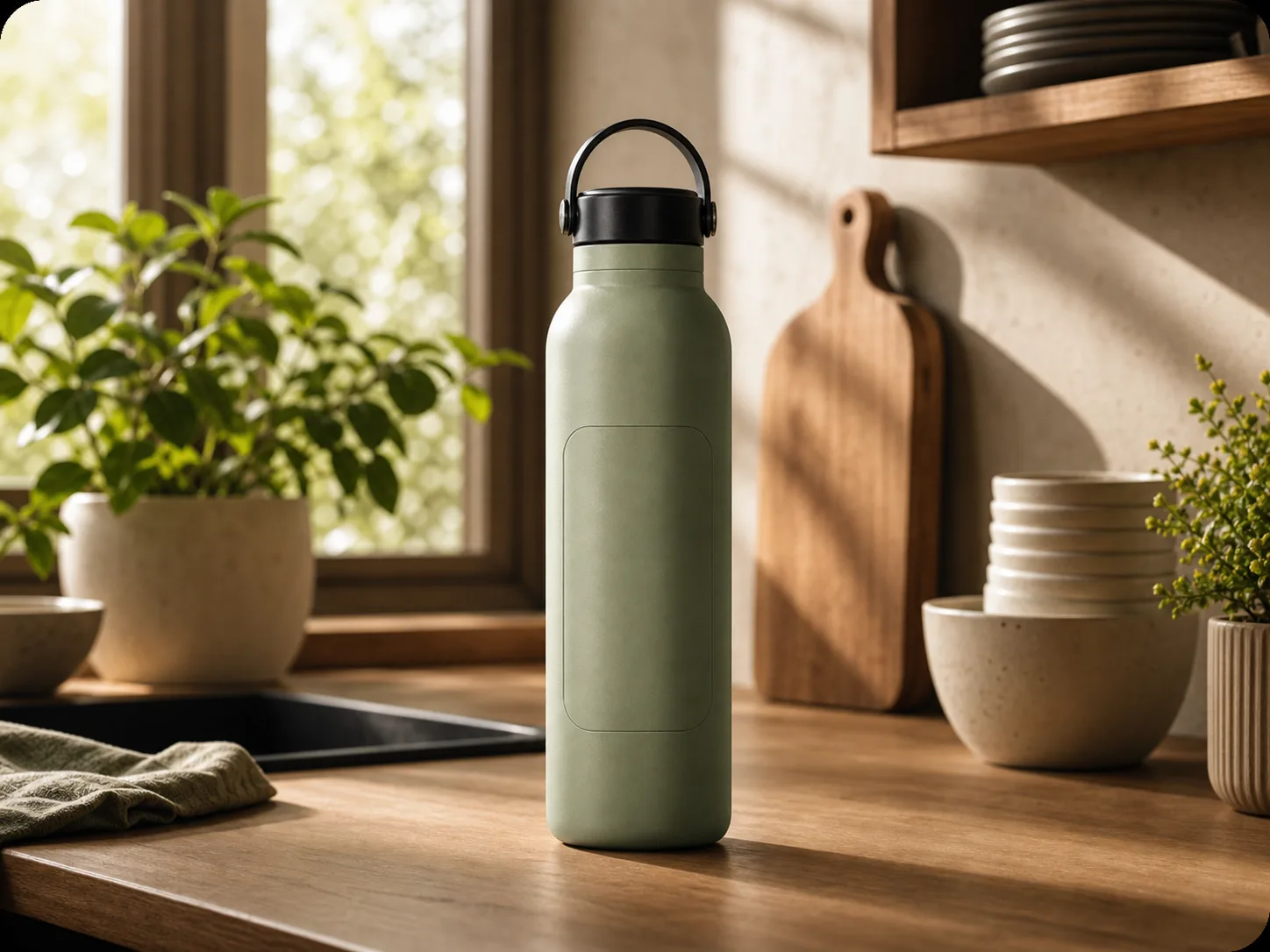
Turn one product upload into studio lighting setups, lifestyle product photography, and campaign compositions. Generate product images for storefronts, launch pages, ads, and social creative without arranging a separate shoot for every scene.
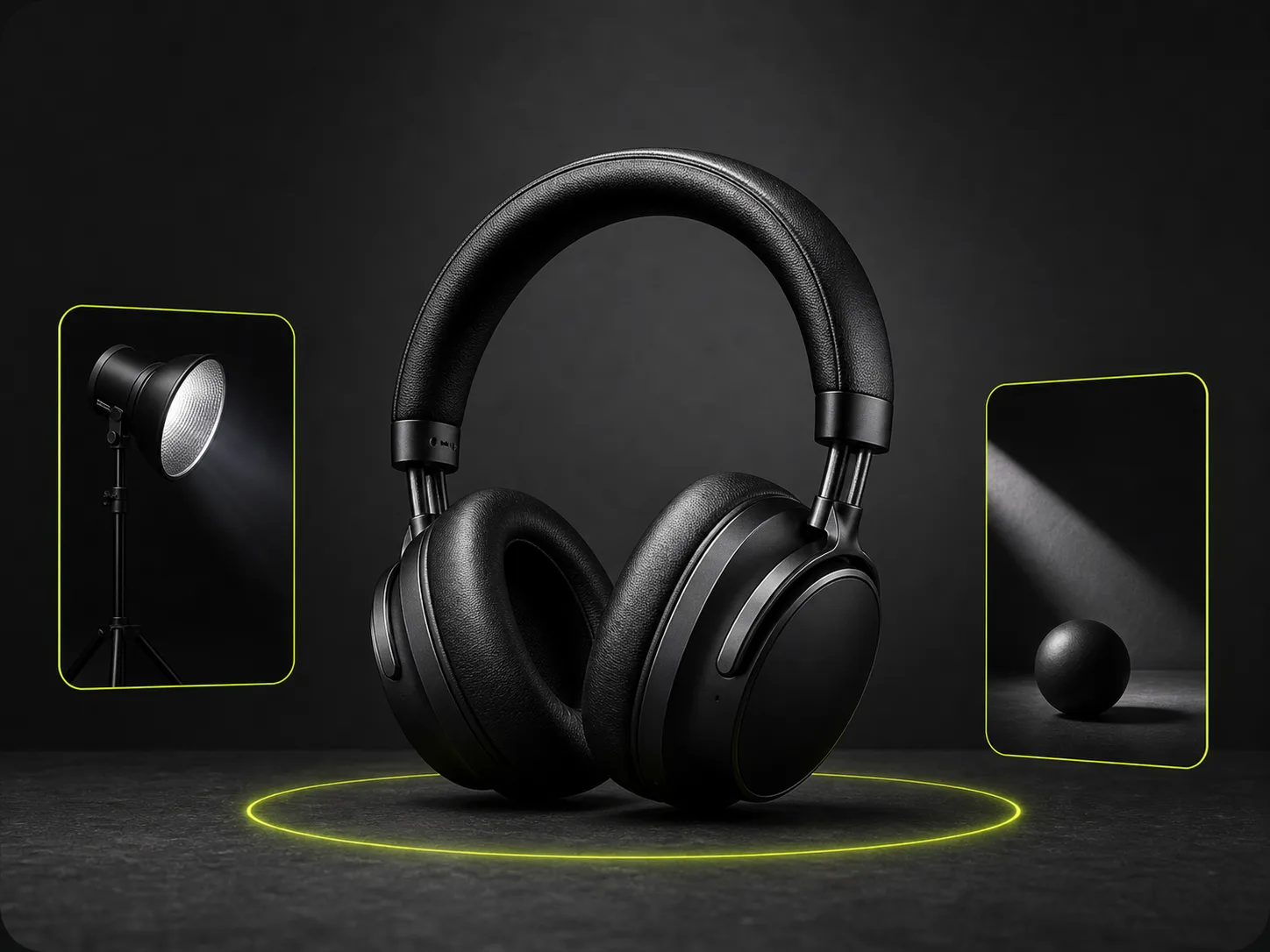
Use reference images to guide props, surfaces, composition, lighting, and brand mood while keeping key product details recognizable. This helps match a visual direction without losing the product accuracy ecommerce images depend on.
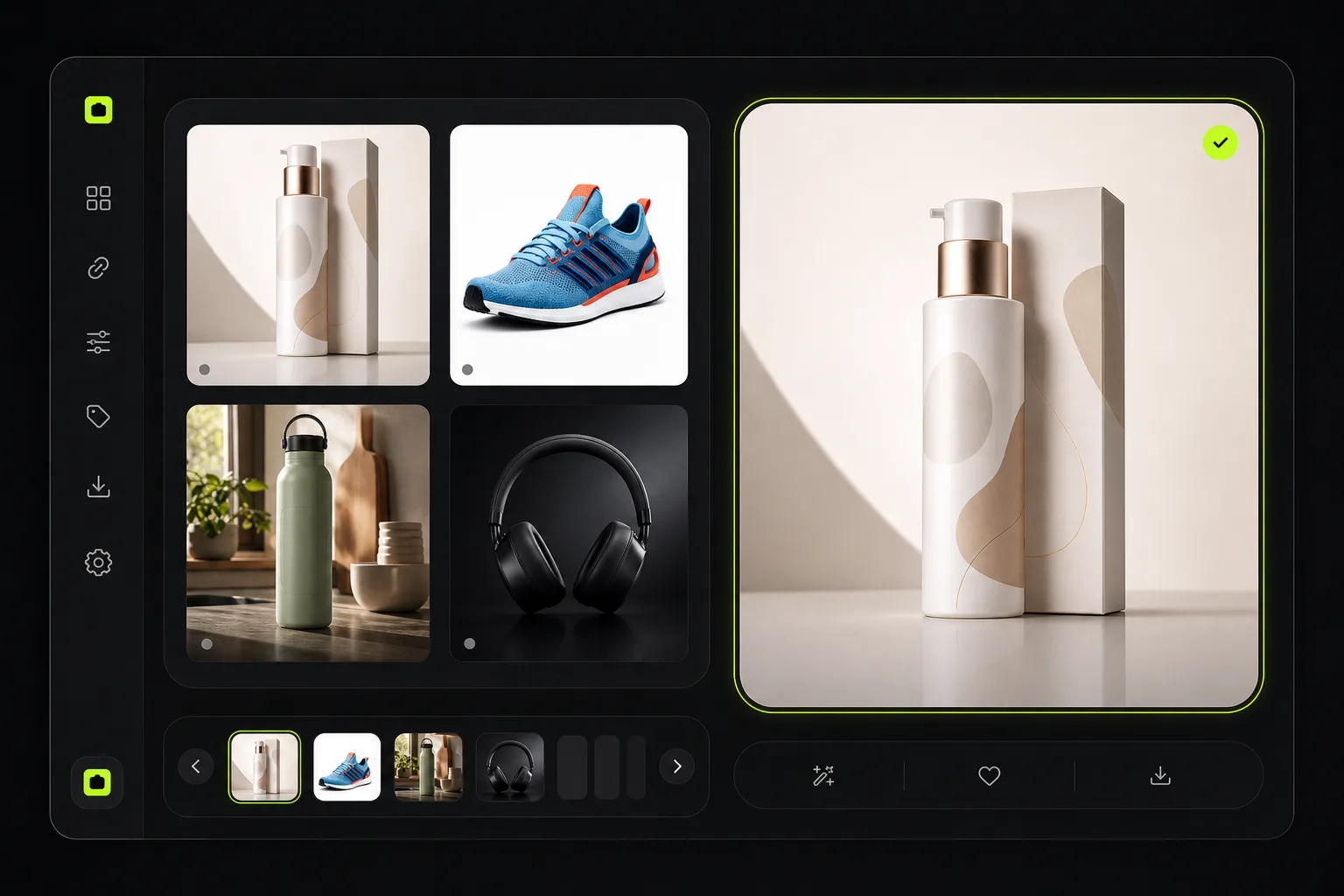
Compare, save, share, and reuse previous outputs for seasonal campaigns, listing tests, and social creative. Strong product image variations can become a reusable library for future storefront updates, ads, and launches.
Ecommerce workflows
Turn one product image into listing visuals, storefront assets, launch creative, and social ads without booking a reshoot.
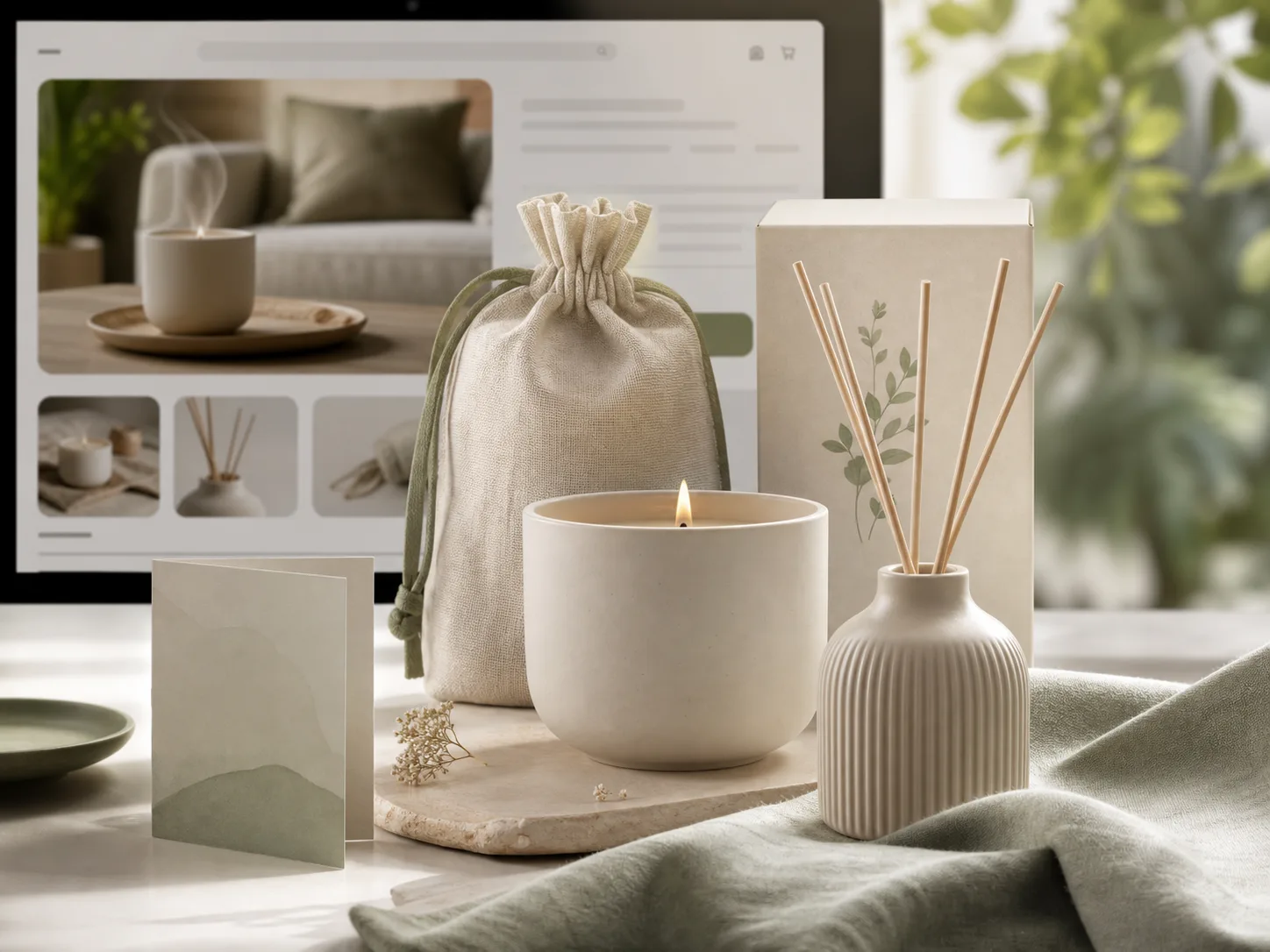 DTC Shopify
Create product page images, collection visuals, and launch assets from one product upload.
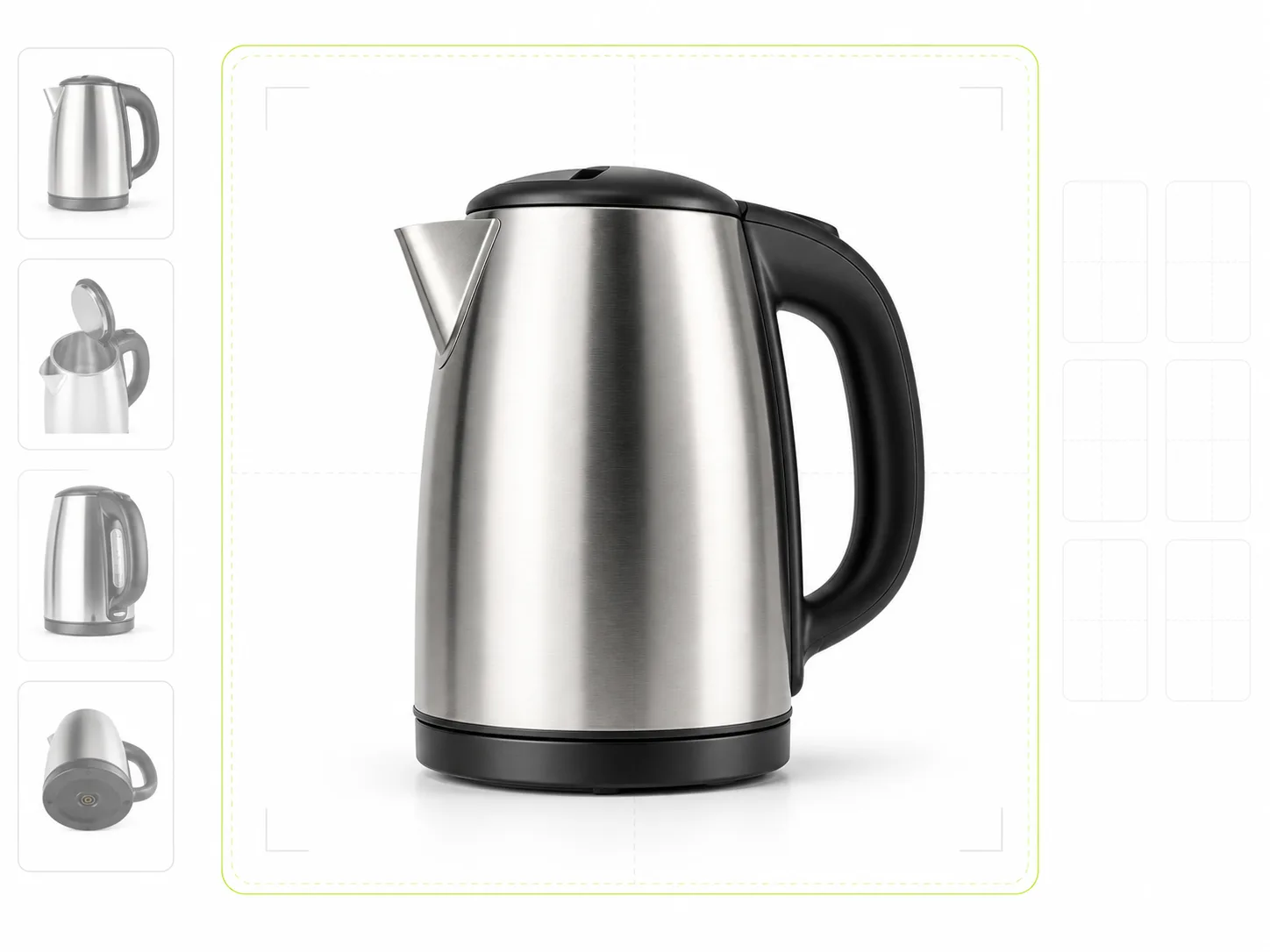 Amazon Store
Create centered listing images, cleaner backgrounds, and supporting gallery visuals for marketplace listings.
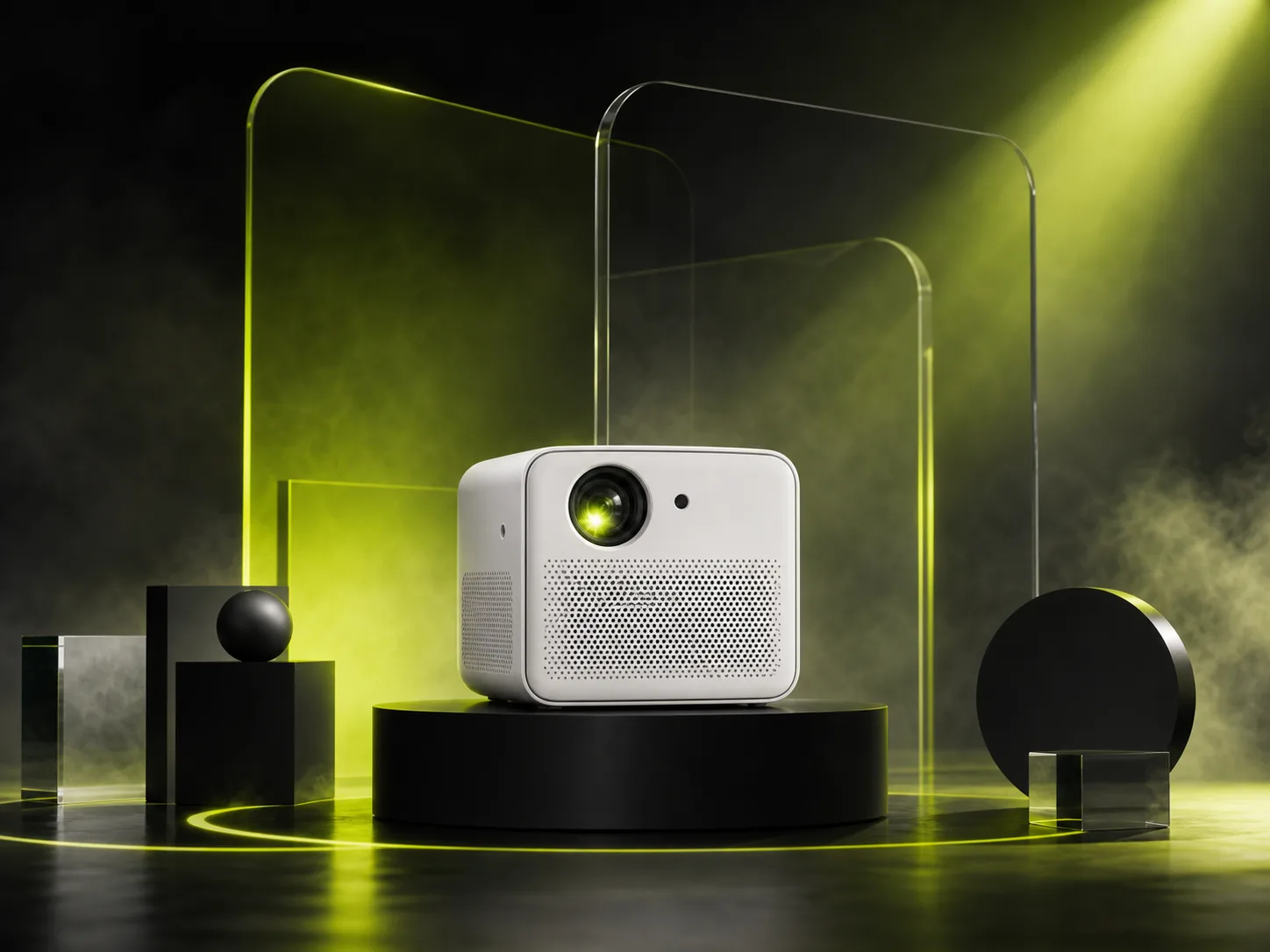 Campaign Launch
Turn one upload into multiple campaign directions before you book a full shoot.
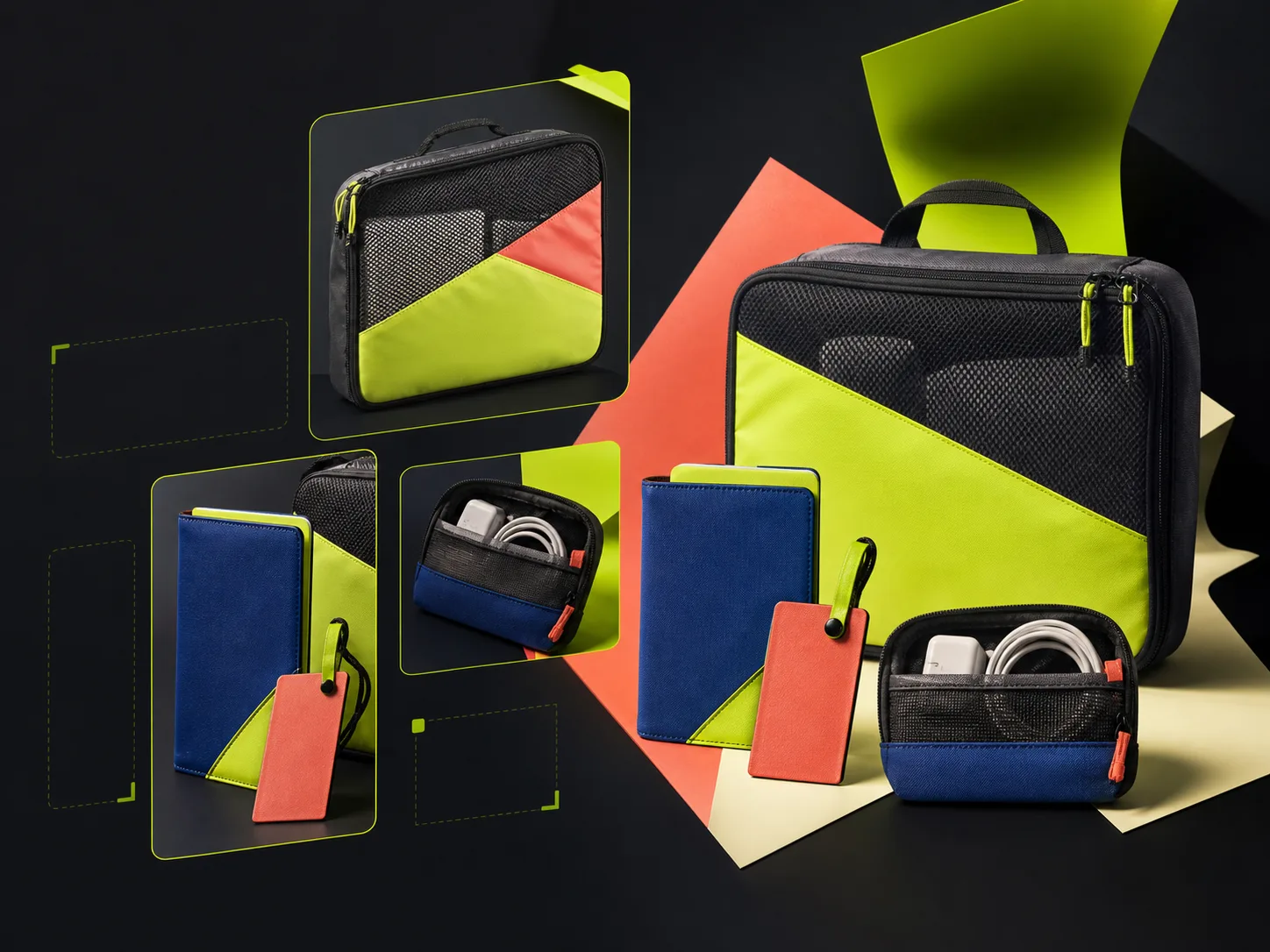 Social Marketing
Build product-led visuals with usable copy space, channel ratios, and clear campaign context.
Workflow
Upload a product image, choose your settings, generate new visuals, then compare, download, share, or reuse previous results.
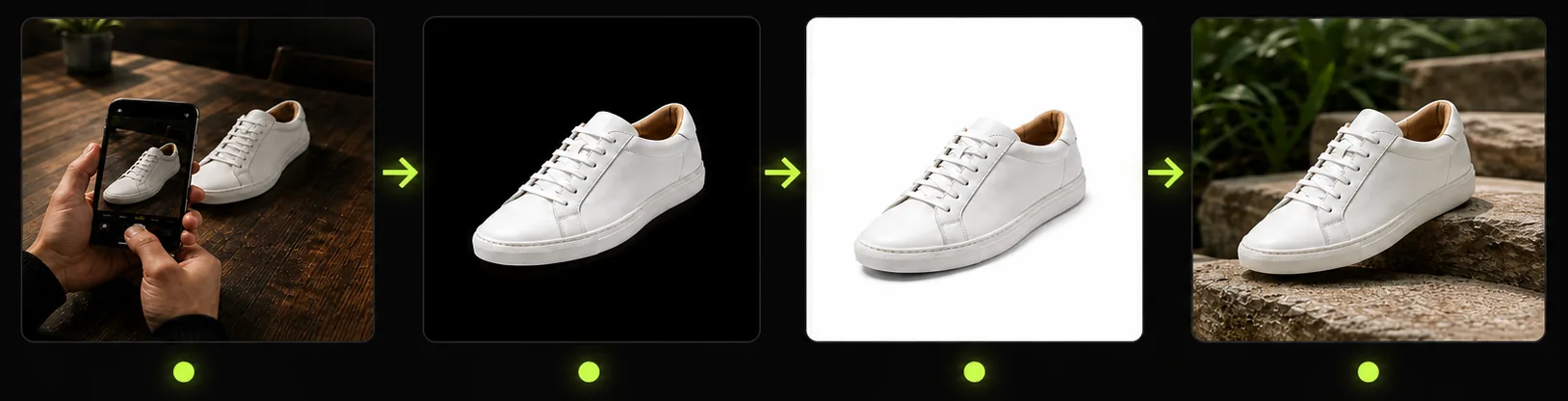
Start with a clear image so Product Lock has the shape, label, color, and materials to preserve.
Pick Product Lock, scene, lighting, angle, ratio, and channel preset.
Use the before-and-after view to compare outputs instead of guessing from prompt text alone.
Export final images, share a result page, or reuse saved history to create more variations.
ROI Comparison
Compare a traditional photoshoot with a faster workflow for creating listing images, studio scenes, and campaign variations from one product upload.
Multiple
output styles
Reference-led
direction
Built-in
before-and-after review
Higher setup effort and slower to repeat when you need new scenes or crops.
Create new product image variations faster while keeping key details more consistent.
Guides & Blog
Learn how to create white-background photos, listing images, Product Lock workflows, and campaign visuals for ecommerce.
 Guide
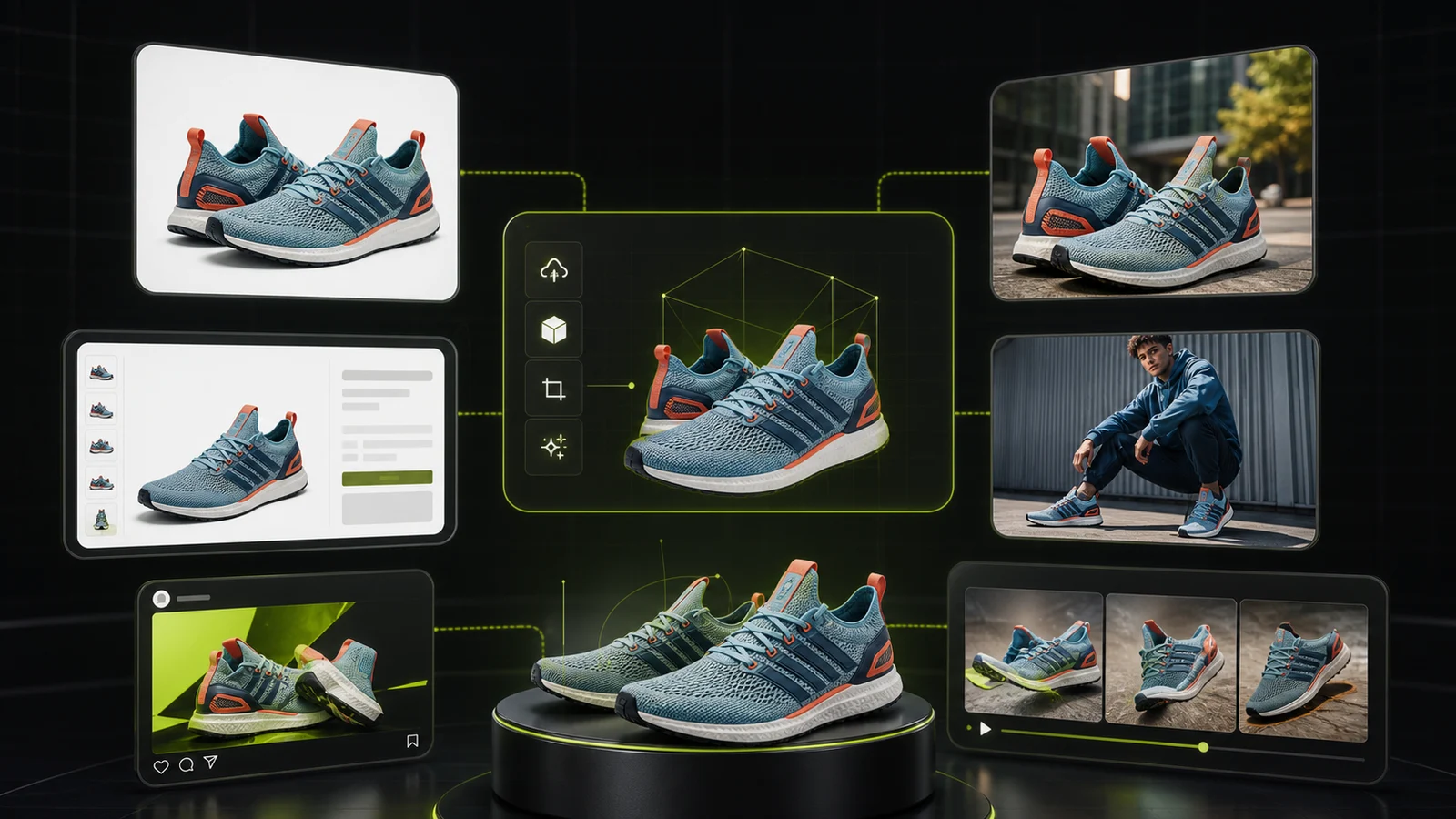
GuideCompare AI visual tools for ecommerce product photos, marketplace listings, lifestyle scenes, model images, ads, and video workflows.
 Guide
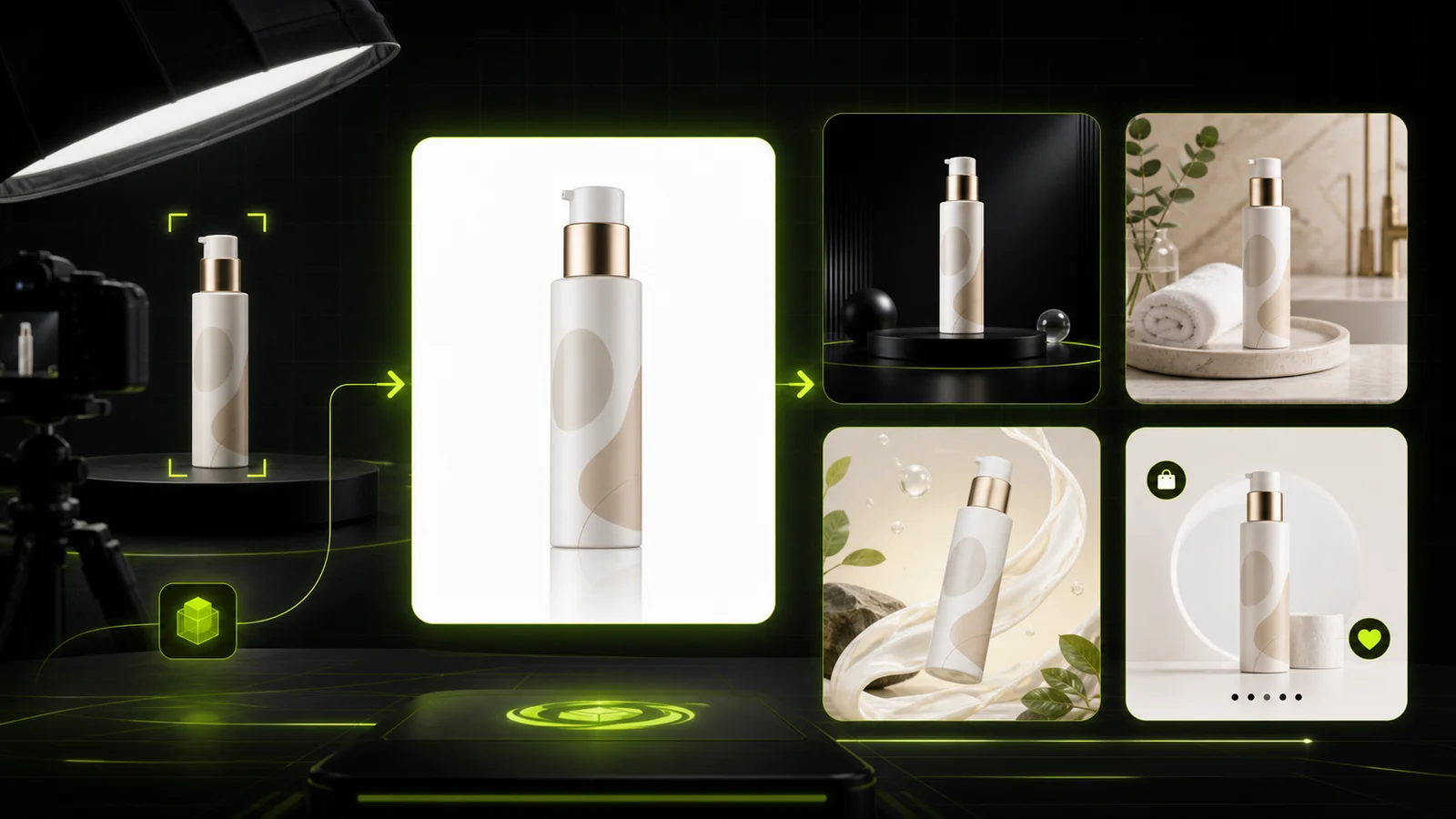
GuideCompare AI product photography generators for white background images, studio shots, lifestyle scenes, and ecommerce campaign visuals.
 Guide
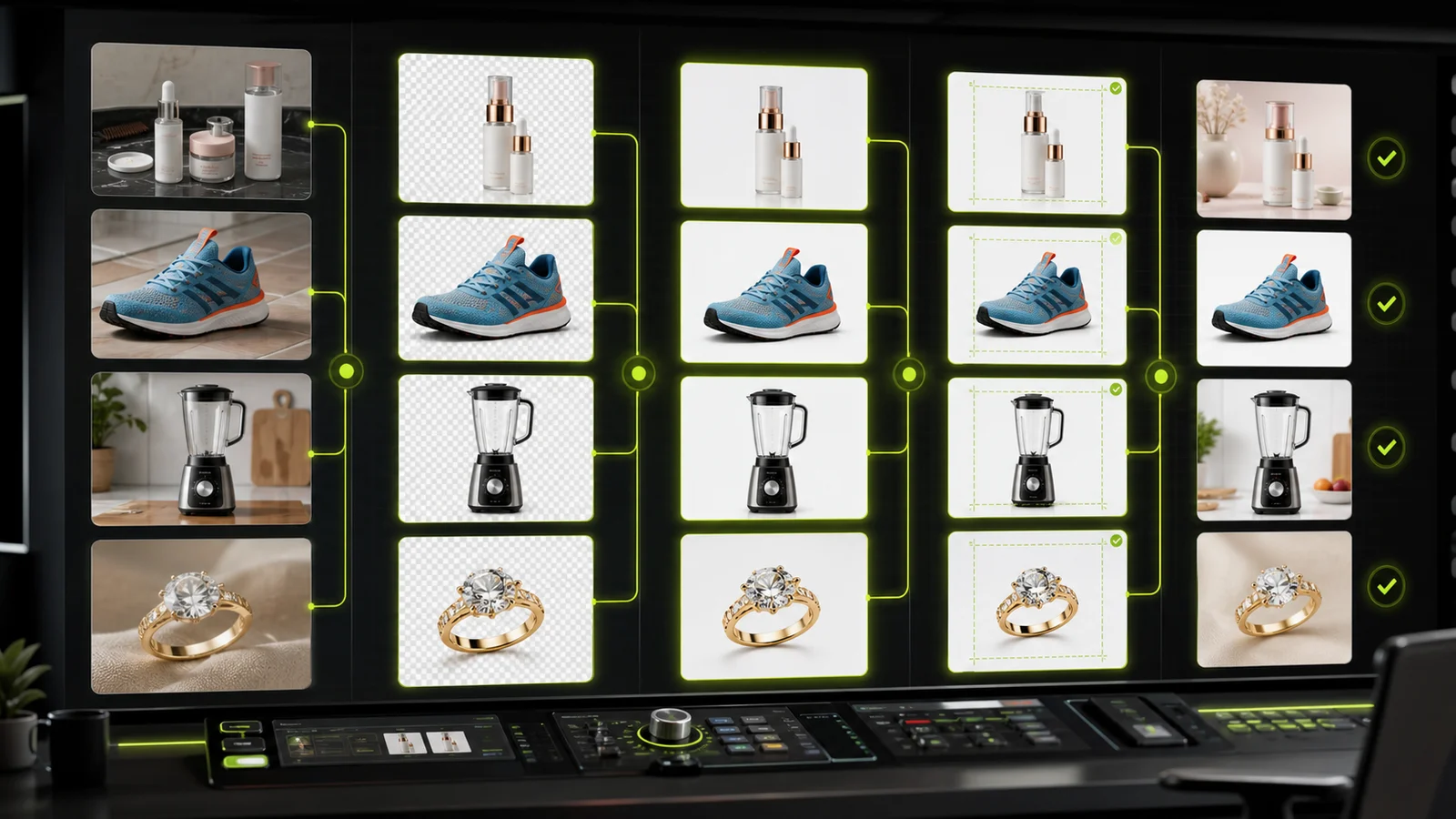
GuideCompare AI image processing platforms for cleaning, enhancing, standardizing, and checking ecommerce product visuals.
 Pricing
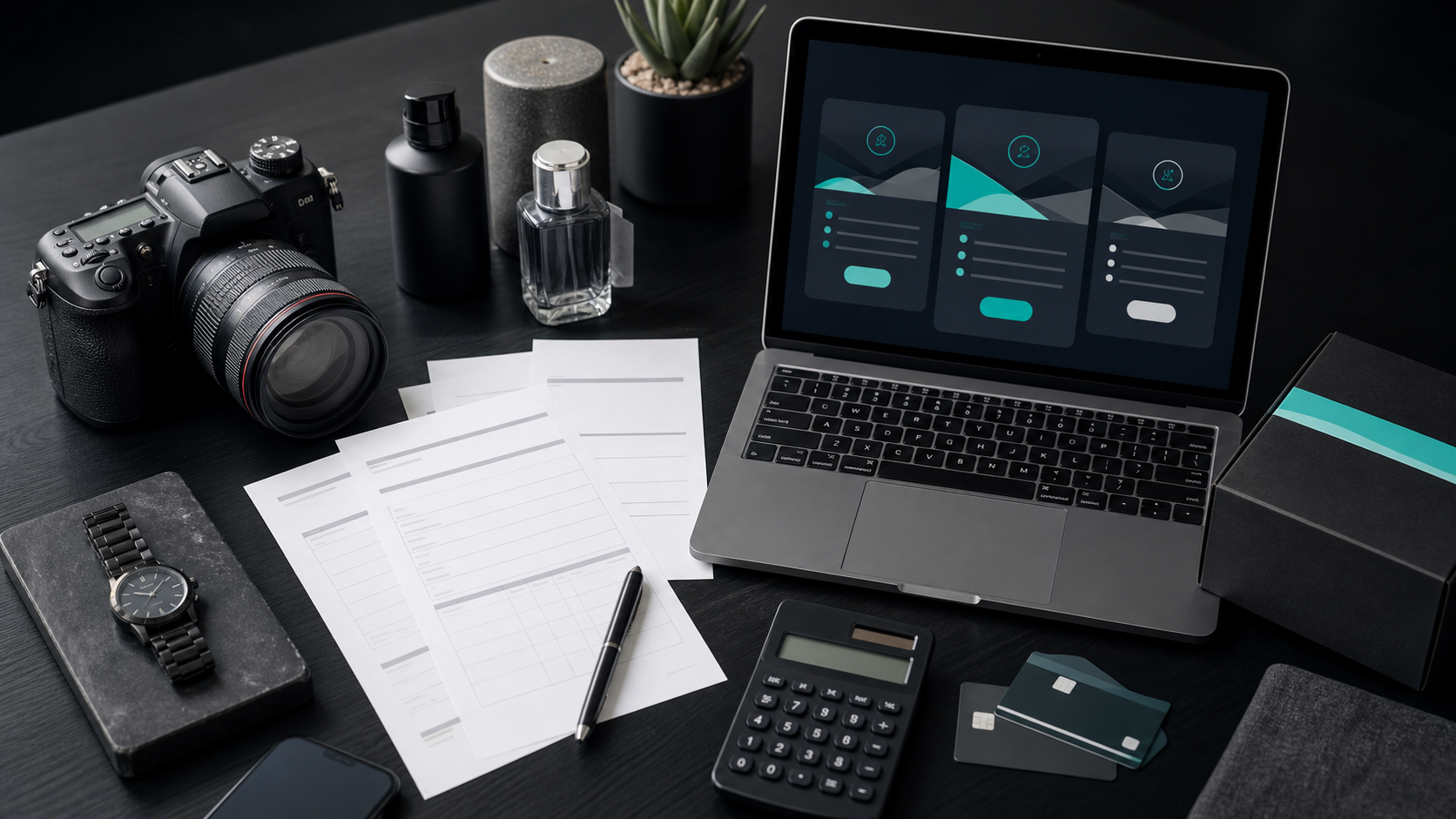
Learn how product photography pricing works, which quote line items hide costs, and when AI product photography can help.
 Workflow
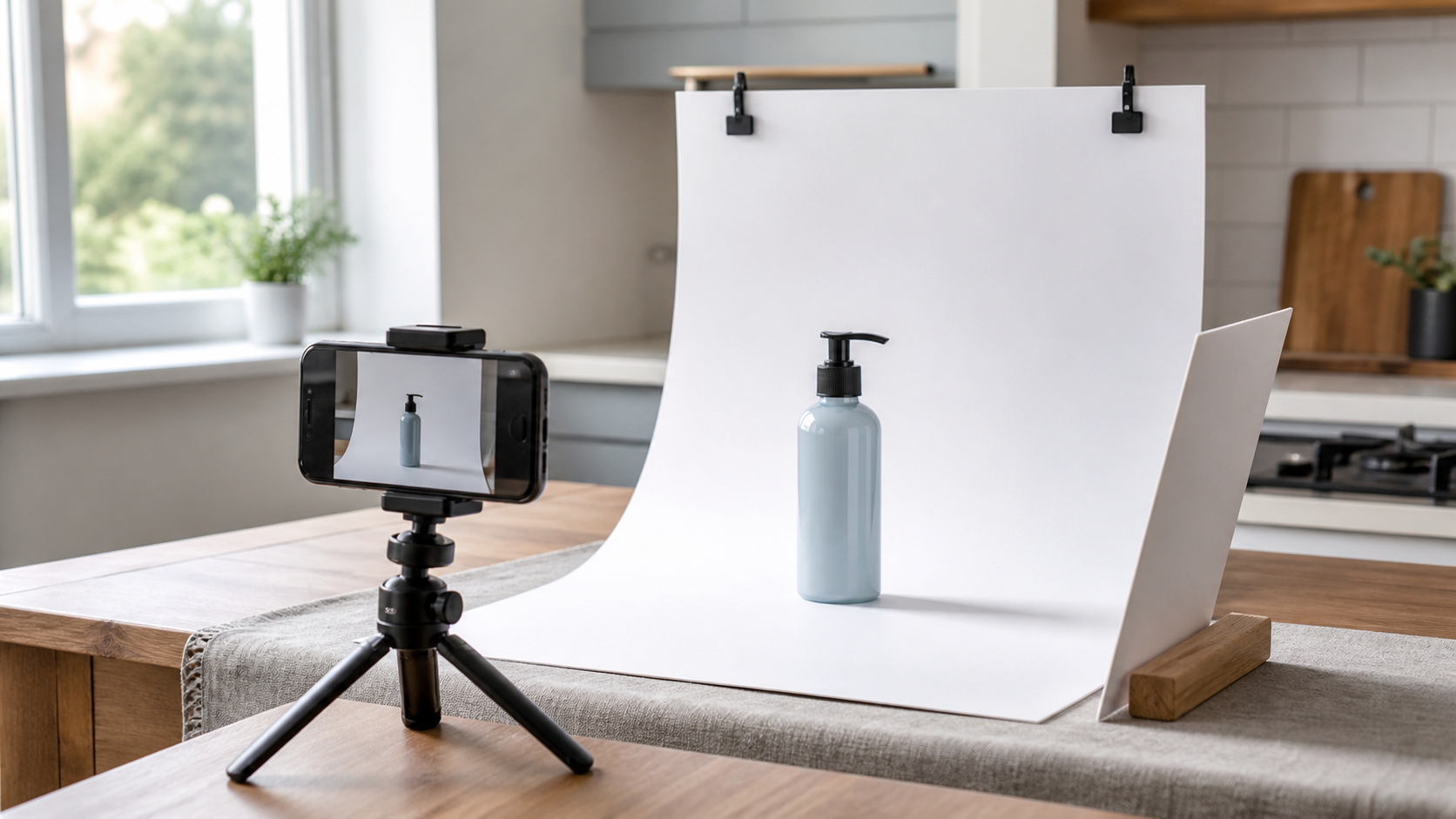
A practical workflow for taking sellable ecommerce product photos with a phone, simple setup, and AI-powered variations.
 Lighting
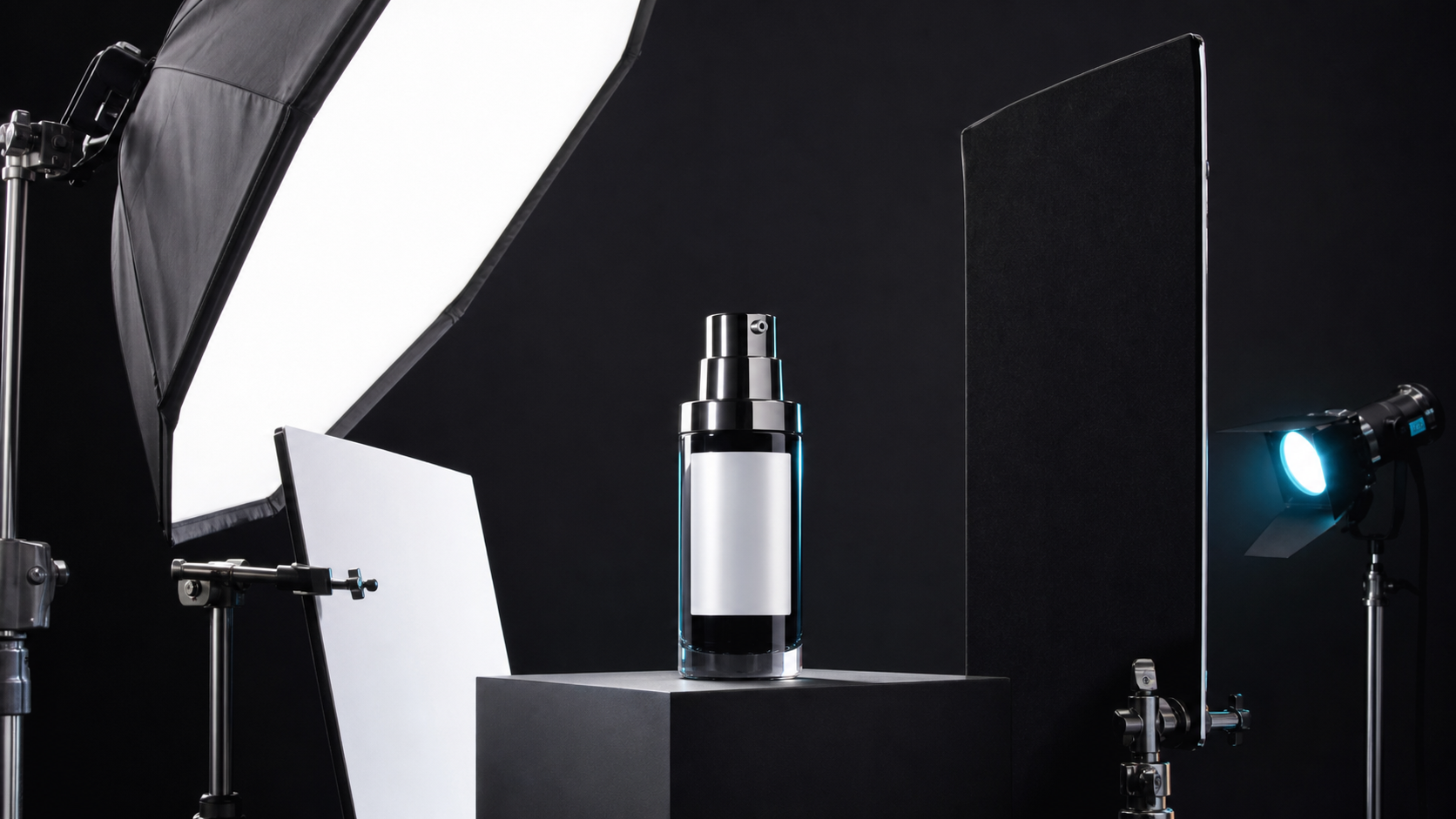
A practical guide to product photography lighting, soft light, fill light, backlight, reflection control, and difficult materials.
Start with free credits, then choose a ProductShot AI plan for more product photos, marketplace images, studio scenes, and campaign visuals.
TODAY'S FLASH SALE
Today only · up to 50% OFF. Miss it once, wait six months.
Ends inChoose a recurring plan for monthly ProductShot AI credits and product-image production features.
For regular creators
Annual total $118.8 · save about 50%
For production teams
Annual total $238.8 · save about 50%
For production teams
Annual total $598.8 · save about 50%
Top up extra credits with a one-time purchase when you need more generations.
One-time credit pack
one-time · higher $/unit than monthly · never expire
One-time creator pack
One-time credit pack
one-time · higher $/unit than monthly · never expire
One-time production pack
One-time credit pack
one-time · higher $/unit than monthly · never expire
One-time enterprise pack
Pay safely and securely with


 AlipayAlipay
For cancellations, billing questions, or plan changes, contact support@productshotai.app
See how ecommerce operators, marketers, creators, and designers use ProductShot AI to produce product images, campaign assets, and marketplace visuals faster.

“We replaced three separate tools with one ProductShot AI workflow and now launch ad variants the same day.”

“ProductShot AI made text-heavy packaging mockups much easier for our team to approve and publish.”

“Image edit mode preserves our product identity while changing scenes, which cut retouching time dramatically.”

“We use ProductShot AI for social posts, landing pages, and hero banners. Cross-channel consistency is much better.”

“For launch campaigns we need speed and quality, and ProductShot AI gives us both with fewer revision rounds.”

“Our content team can test multiple directions with ProductShot AI before handing final picks to design.”
ProductShot FAQ
Common questions about ProductShot AI as an ecommerce AI creative workspace for product images, listing visuals, background edits, campaign assets, credits, sharing, and commercial use.
Create product images from uploads and references, try your first workflow with free credits, and upgrade when you need more volume.
Start Free →